
How to open phone call history filters
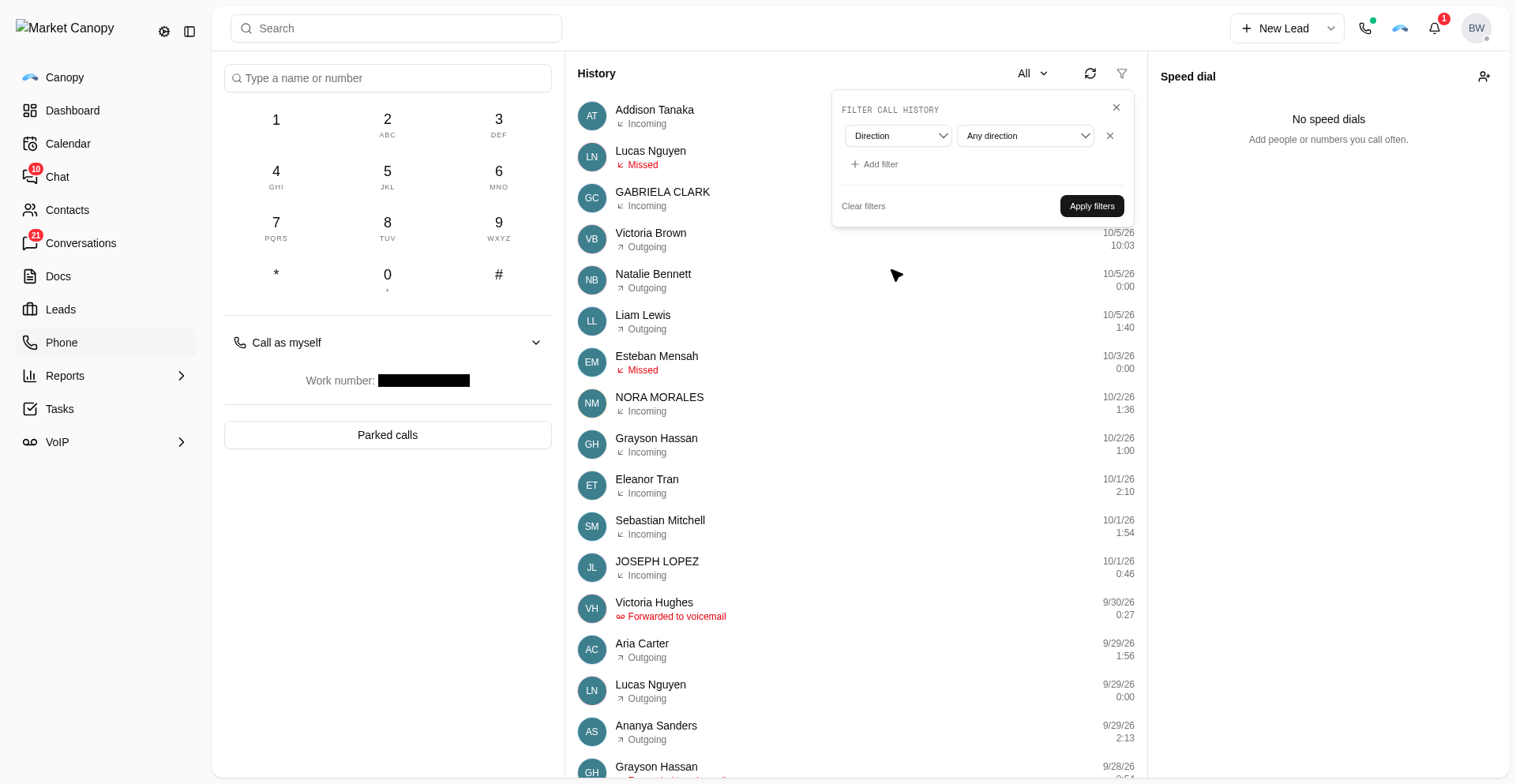
Open the phone call history filters to inspect calls by search, date, status, or direction.
Sign in first Sign in at app.marketcanopy.com, then follow the steps below. Use the email you signed up with
Open app.marketcanopy.comSteps
Choose Filter call history.
Choose Add filter.
Choose a filter field: Search, Created, Status, or Direction.
For Direction, review the Inbound and Outbound choices.
Was this helpful?
← PreviousHow much does it cost to buy a phone number?Next →How to port phone numbers from another carrier
Still need help?
Chat with our support team or send us a message. We reply within one business day.