
Leads qualified, and the good ones booked onto your calendar
The assistant asks your questions, updates the lead and books a meeting for the ones that qualify.
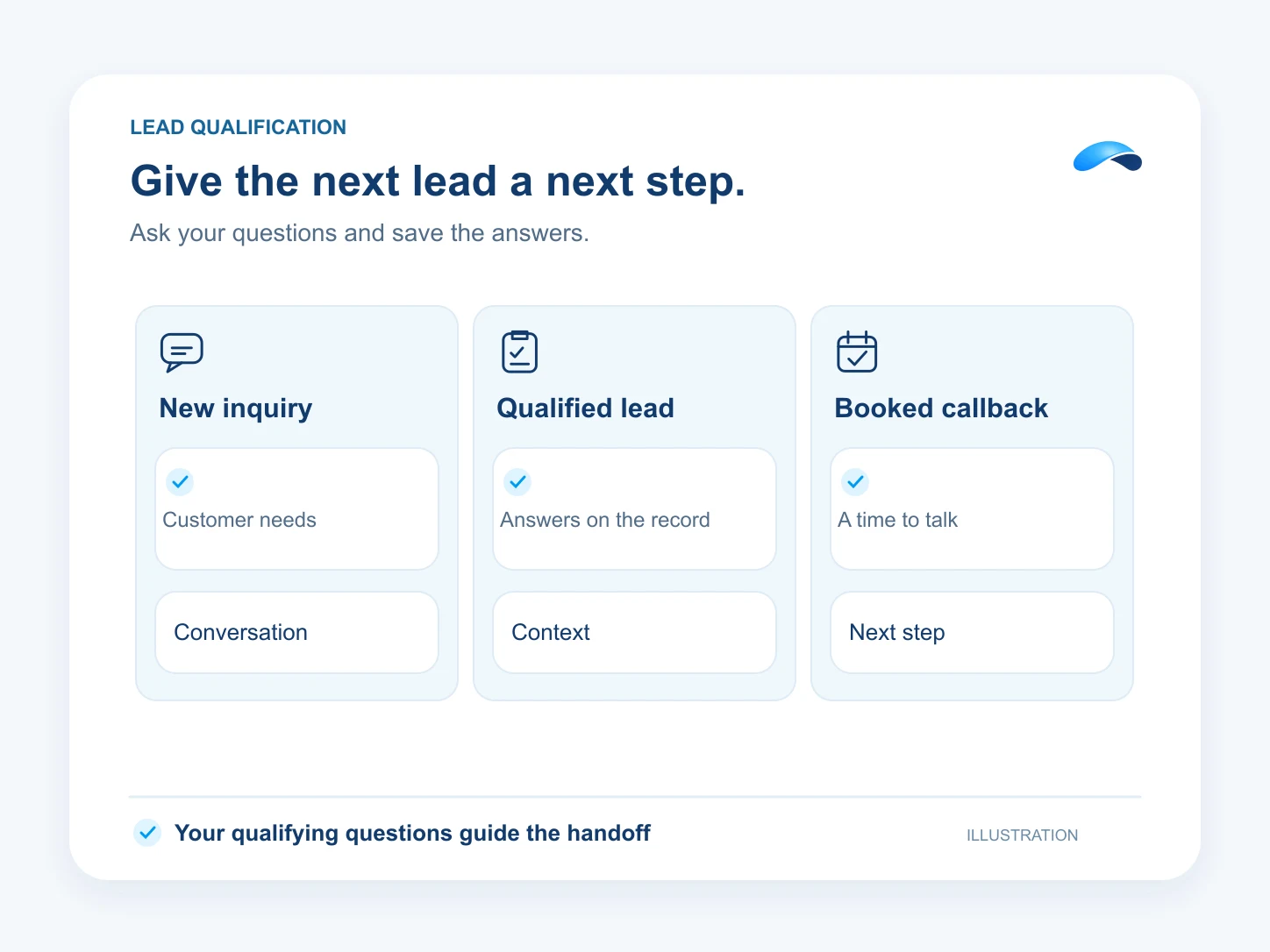
The problem
Sound familiar?
“Every form fill lands in the same pile — the ready-to-buy and the window shoppers.”
“By the time we call back the good ones, they have gone somewhere else.”
What it does
Every new lead, worked the same way.
The assistant works each new lead: it asks your qualifying questions over live chat, phone or text, writes the answers onto the lead, and books a meeting on your booking page for the ones that qualify and want to talk. Without a booking page, it records the inquiry for the lead’s owner to schedule.
Text replies wait for your approval unless you set the number to Auto.
Your stages hold the verdict
Stages like “New”, “Qualified” and “Booked”.
Your questions, asked for you
Qualifying questions over live chat, phone or text.
Answers on the record
It writes what it learns onto the lead.
The meeting, booked
Qualified leads pick a real time on your booking page.
Setup
How it works in Canopy
4 steps, from setup to the work getting done.
Step 1: Lay out your pipeline in Leads
Stages like “New”, “Qualified” and “Booked” give the assistant somewhere to put its verdict.
Step 2: Start from the Lead Qualifier template
In AI → Agents, add an agent and pick Lead Qualifier. It comes with the qualifying questions; write what counts as qualified on the agent’s page.
Step 3: Give it the tools
Lead updating, follow-up creation, lookup and scheduling are the tool actions it uses — no custom code.
Step 4: Read the verdict where you work
Qualified leads arrive with their answers on the record, a task for the owner, and a meeting on the calendar when they asked for one.
Sample
Sample conversation, illustrative
A new form fill is asked the qualifying questions and leaves with a meeting on the calendar.
The plans that carry this.
- 5M Canopy tokens a month
- 30M Canopy tokens a month for AI replies to customers
- 100 AI resolutions
- 200 text messages (Canada and United States)
- See everything included
- 3M Canopy tokens a month
- 2M Canopy tokens a month for AI replies to customers
- 1,500 outgoing calling minutes (incoming unlimited)
- 100 text messages (Canada and United States)
- See everything included
- 45M Canopy tokens a month
- 30M Canopy tokens a month for AI replies to customers
- 100 AI resolutions
- 1,500 outgoing calling minutes (incoming unlimited)
- See everything included
- 75M Canopy tokens a month
- 6 runner time (Canopy Cloud)
- 5 browser-hours (Hosted browser)
- See everything included
More for sales


Call the demo line, or try the chat.
Demo line coming soon.