
Meet Canopy. The AI at the center of your business.
Canopy is your AI that answers customers, remembers conversations and gets the follow-up done with your team in control. Canopy acts on its own where you allow it, asks where you want a say, and never touches what you rule out.
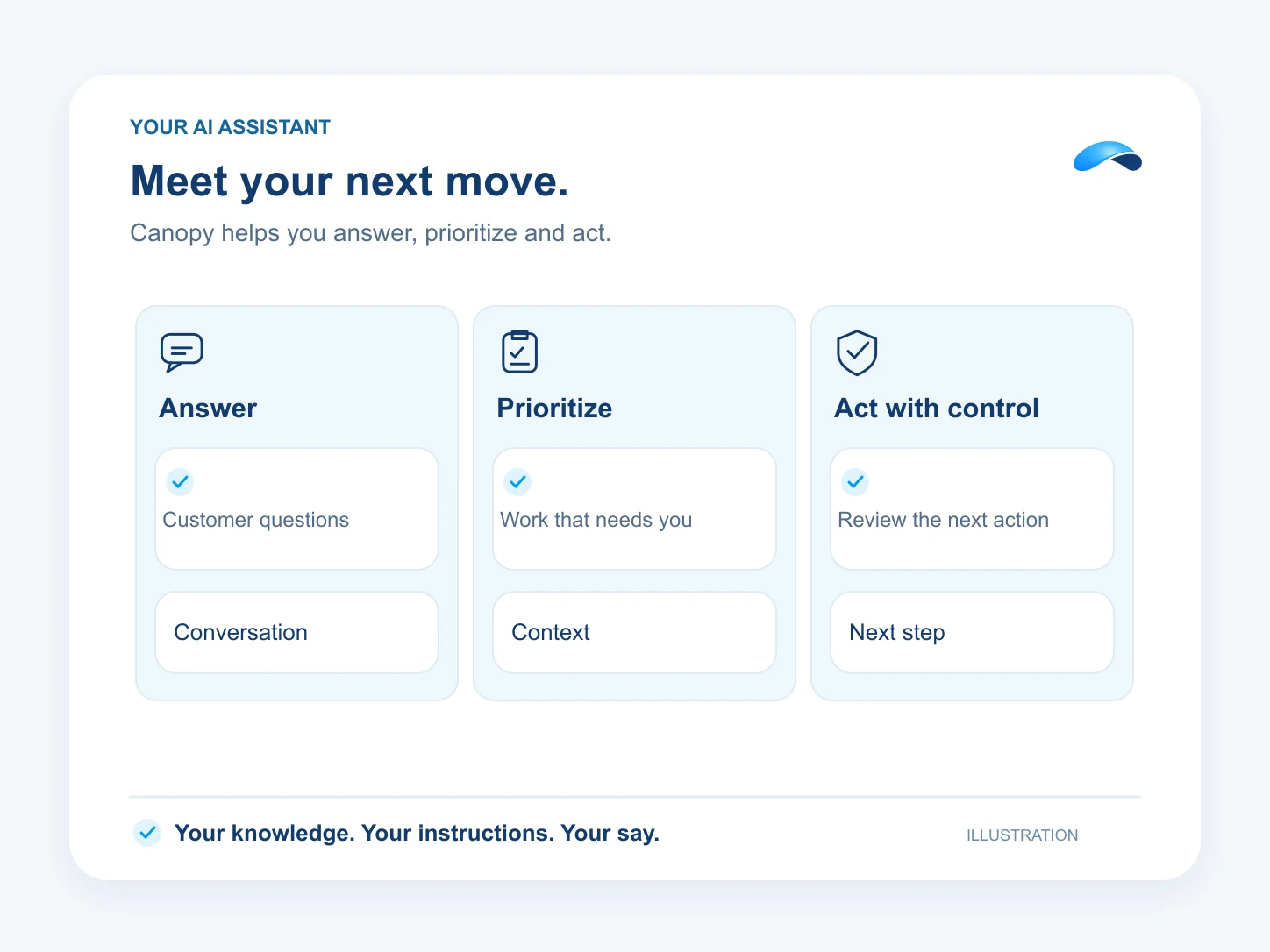
It answers.
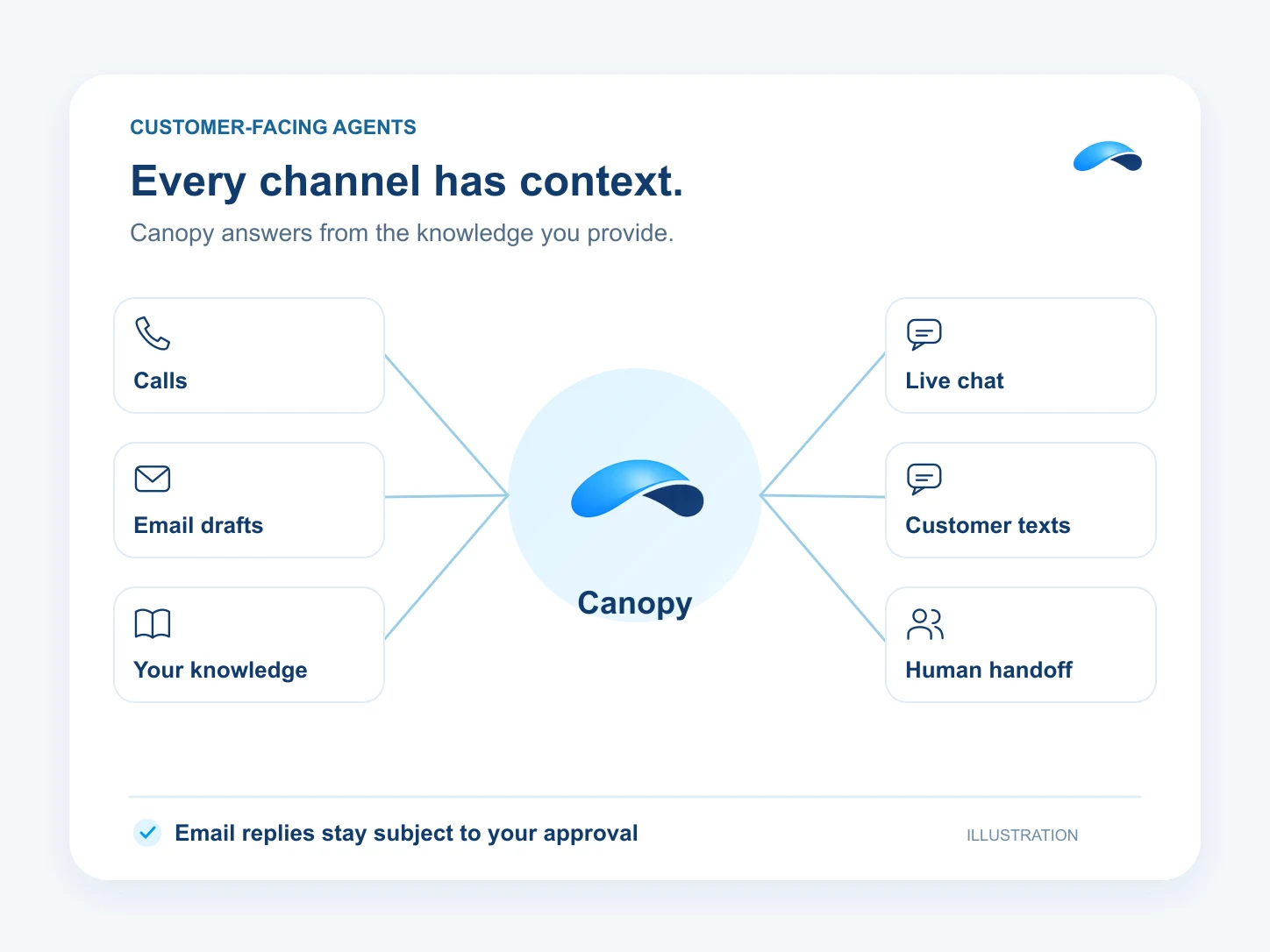
- Canopy answers calls, chats, texts and emails on the channels your plan carries. On a number or address you set to Auto, replies go out on their own only when the safety check passes; otherwise they wait for your approval or go to your team.
- It uses your business knowledge and hands the conversation to your team with the history and caller context.
It tells you what needs you.
- See customer replies waiting for you, leads that need follow-up and tasks coming due in the attention feed.
- Ask for a brief to see what came in, what is stuck and what needs your next move.
It does the work.
- Ask Canopy to assign a lead to the teammate who will follow up.
- Have it draft an email reply and send it after your approval.
- Book a meeting from the available times on your connected calendar.
- Start an AI dialer campaign where your plan and permissions allow it.
- Publish a blog post through the tools your Blog or Marketing product provides.
It works where you work.
- Use the browser agent for work in portals and websites that have no integration, from a monthly pool of browser minutes on the coding plans and Suite.
- Connect your own tools through MCP, or connect the AI tools you already use to Market Canopy as an MCP server.
You stay in control.
- Canopy acts on its own where you allow it, asks where you want a say, and never touches what you rule out.
- Actions that send, spend, publish or delete ask by default, and organization locks set limits your team cannot lower.
- An unattended run pauses for approval before sending free text to a customer or taking a financial or legal action. The exception is a text or email reply on a number or address you set to Auto, which goes only when the safety check passes.
- Tool actions are recorded in the session so you can review what Canopy did.
Find the plan that carries Canopy.
- 5M Canopy tokens a month
- 30M Canopy tokens a month for AI replies to customers
- 100 AI resolutions
- 200 text messages (Canada and United States)
- See everything included
- 3M Canopy tokens a month
- 2M Canopy tokens a month for AI replies to customers
- 1,500 outgoing calling minutes (incoming unlimited)
- 100 text messages (Canada and United States)
- See everything included
- 45M Canopy tokens a month
- 30M Canopy tokens a month for AI replies to customers
- 100 AI resolutions
- 1,500 outgoing calling minutes (incoming unlimited)
- See everything included
Put Canopy on the job.
Morning Brief
Canopy briefs you on new work, untouched leads, waiting conversations and tasks due today.
Ask Canopy
Ask Canopy to find leads, update their stages and draft the next message, with your controls on every action.
Multi-Brand Operations
Switch between the brands you belong to. Each keeps its own numbers, customer conversations and website setup.
Meeting Notes and Follow-Up
Canopy captures notes from your Market Canopy meetings. Assign an action item to turn it into a task.
Portal Work
Ask the browser agent to work a portal. Carrier quoting is a supported example with published playbooks.
Website Visitor to Booked Call
Canopy asks your qualifying questions in live chat and offers a real calendar slot.
Dialer Campaigns
Run a saved lead list with progressive or one-line power dialing, dispositions and voicemail drops.
Knowledge Base Answers
Publish a help center on your domain and let Canopy answer chat questions from the knowledge you grant it.
Blog on Autopilot
Canopy drafts and checks blog posts, then publishes or schedules them under your controls. Carried by Blog or Marketing.
Social Publishing
Connect supported social accounts, review the posts and schedule their publication with the Marketing add-on.
Launch a Website
Describe your business and Canopy builds the site. Preview it, then publish on a free address or your own domain. Carried by a Sites plan.
AI Search Visibility
Track your brand’s mentions and citations in monitored AI answers, then plan the page or post that closes the gap. Carried by Marketing.
AI Agent in Your Meetings
Invite one of your agents to a meeting. It can make the spreadsheet or deck while you talk, and your team reviews what it produces.
Questions about AI at work.
Where you allow it, yes. Each action is allow, ask or deny, with defaults based on what it changes. Sending, spending and deleting ask by default. Organization locks still apply, and unattended customer free text, financial and legal actions require approval, except a text or email reply on a number or address you set to Auto, which goes only when the safety check passes.
Yes. Your team can join or take over a customer chat with its history available, and the phone agent can transfer a call with the transcript and caller context.
The unit your plan’s monthly AI usage is counted in. Every model draws the pool at its real cost, so a lighter model goes further. Free includes a pool that turns on when you add a card, and your own model key costs nothing from us. See the models page for every model and how far each plan goes on it.
The plan cards on this page show the current catalog business plans that carry Canopy AI features. Free and the coding plans carry it too: see the pricing page for every plan. Command-center access needs both Canopy and assistant access. Channels, browser work and growth tools follow their own grants and usage limits.