
Answer the next customer while your hands are full.
For HVAC, plumbing, electrical, roofing and cleaning teams. Canopy answers after hours and books visits. Configured workflows keep estimates and reminders moving.
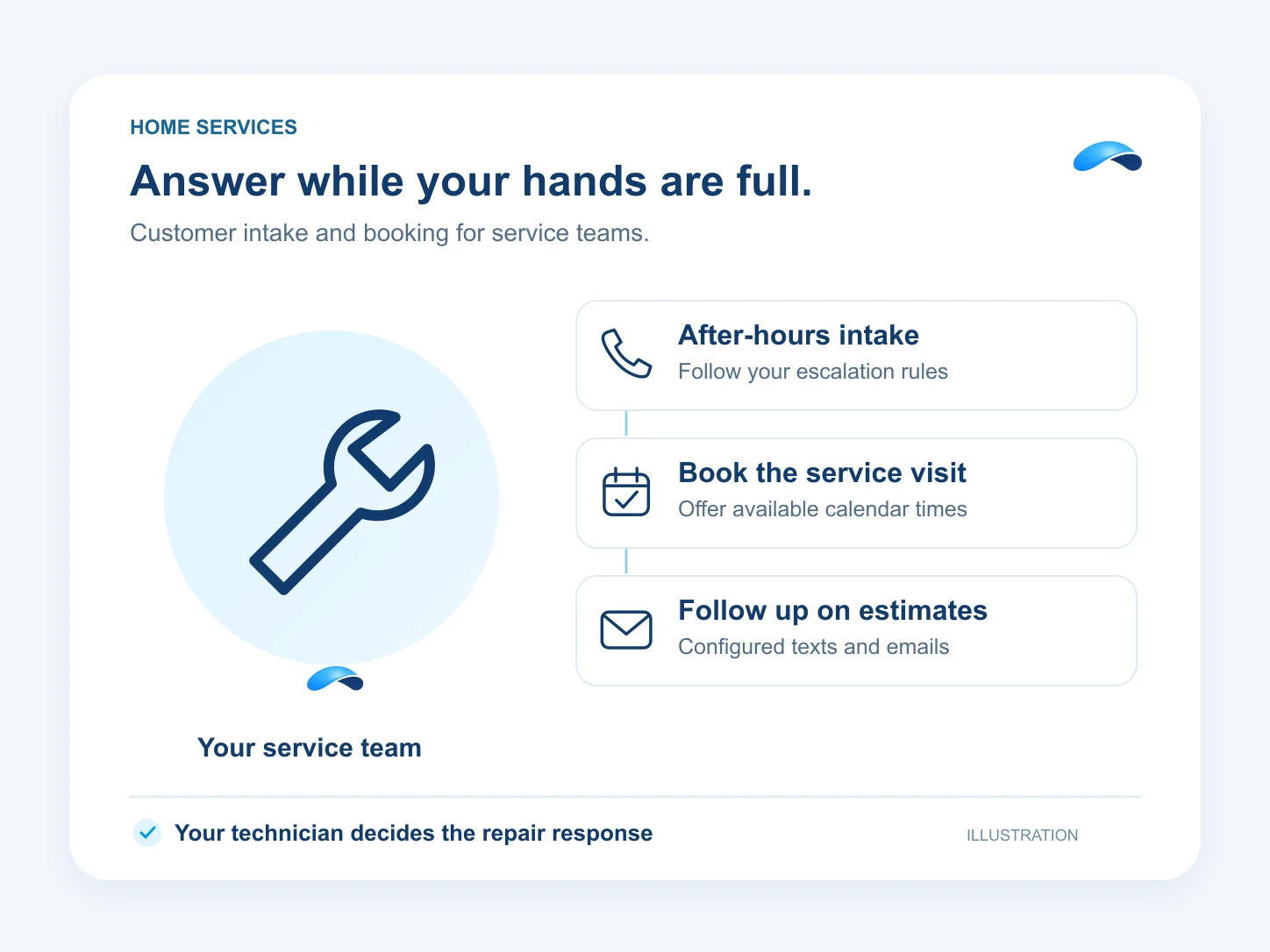
Your day
A day in your business.
The moments that need an answer, and how your team can handle them.
Step 1: You are on a ladder when a new customer calls.
Your team can text the missed caller back from the conversation thread and keep the details for the next step.
Step 2: A customer calls about an urgent repair at night.
Canopy takes a structured message and follows your escalation rules to the on-call destination. Your technician decides the response.
Step 3: Tomorrow’s visits still need booking and reminders.
Canopy offers calendar slots for service visits. Set up a scheduled workflow to send your reminder texts or emails.
Step 4: An estimate waits for a reply.
Record the estimate follow-up on the lead. A configured sequence spaces template emails and texts, then leaves a task for your team.
What it does
What Canopy does for your team.
Set your service hours, on-call destination and follow-up rules. Canopy works within those instructions and the permissions you grant.
Canopy acts on its own where you allow it, asks where you want a say, and never touches what you rule out.
After-hours triage
Ask your intake questions and route urgent calls to your configured on-call destination.
Book a service visit
Canopy offers available times from your connected calendar and books the chosen slot.
Text a missed caller
Your team sends the reply from the same customer conversation.
Follow up on estimates
Configured lead sequences send template messages with waits and create follow-up tasks.
Send visit reminders
A scheduled workflow sends your prepared reminder by text or email.
Sample
An after-hours repair call, illustrative
The agent follows the contractor’s escalation policy. The on-call technician handles the repair decision.
The plans that carry these jobs.
Each plan below carries some of these capabilities. Check its included features for the jobs you need. Agent, calendar and channel setup still apply.
Explore the jobs and their setup.


Questions from your team.
It can ask your intake questions and route calls according to your escalation policy. Set the on-call destination before publishing the policy. Your team decides how to handle the repair.
Yes, with an agent, connected calendar and service event type configured. Canopy reads available times and books the customer’s chosen slot.
Keep the lead and its follow-up details in Market Canopy. Configure a lead-event workflow with template emails, texts and waits. A task can leave the next step with your team; this does not promise a connection to your field-service software.
Your team can text back from the customer conversation. The missed-call job also supports queued callback requests. An automatic text for every missed-call event is not promised here.
Call the demo line, or try the chat.
Demo line coming soon.
Market Canopy
The AI platform for every conversation your business has.
Market Canopy is the AI-native platform for every conversation your business has. Canopy, your AI, answers customers, remembers conversations and gets the follow-up done across phone, texts, live chat, email, meetings and team chat. Built security-first, it keeps your business in control of what the AI does on its own.
453 S Spring ST, Suite 400, Los Angeles, CA 90017
Links
Features

