
Keep tenant questions and leasing inquiries moving.
For property managers and leasing offices. Canopy answers after hours and helps with leasing questions. Your team keeps maintenance conversations and owner updates in the inbox.
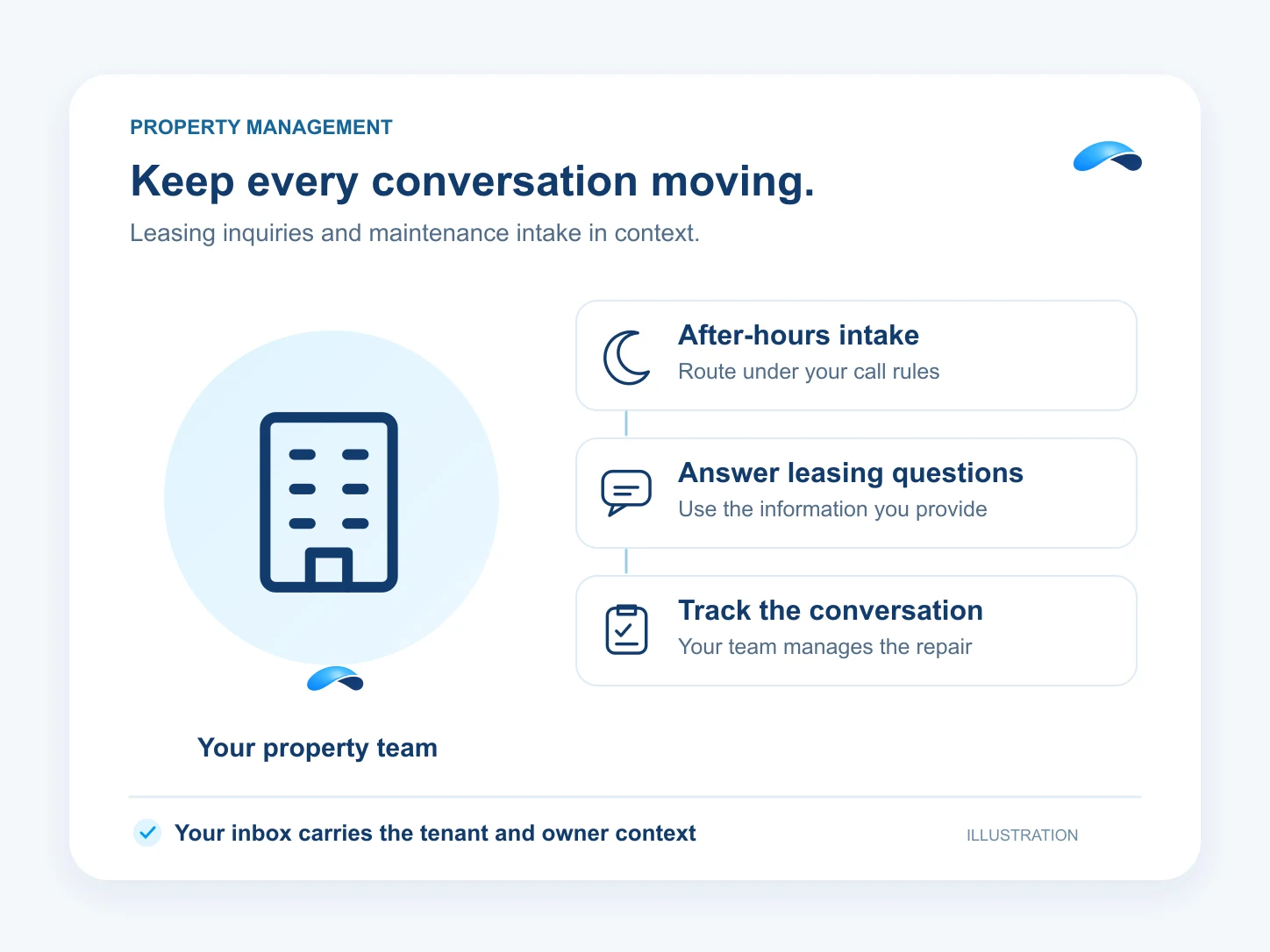
Your day
A day in your business.
The moments that need an answer, and how your team can handle them.
Step 1: A tenant calls about maintenance at 2 a.m.
Canopy takes the details and follows your escalation rules to the on-call destination. Your team decides the repair response.
Step 2: A prospect asks what is available.
Canopy answers from leasing information you provide in chat or SMS. Your leasing team keeps availability current and handles questions that need confirmation.
Step 3: The office gets the same policy questions again.
Publish your help articles and give Canopy access to the approved policy information it should use for answers.
Step 4: A maintenance thread waits while an owner wants an update.
Track response and resolution timestamps on the maintenance conversation as a ticket. Your team replies to owners from the inbox and manages the repair work in its chosen system.
What it does
What Canopy does for your team.
Give Canopy the policies you approve and the destination for urgent calls. Your team keeps the conversation and handles the repair.
Canopy acts on its own where you allow it, asks where you want a say, and never touches what you rule out.
Maintenance intake
Answer after hours and route calls according to your configured escalation policy.
Leasing chat and texts
Answer inquiries from the leasing information you give Canopy, with a person available for handoff.
Policy answers
Publish help articles and let Canopy answer from the knowledge you grant it.
Track maintenance replies
Ticket response and resolution timestamps help your team track its maintenance conversation SLAs.
Keep owners informed
Your team replies to owner emails and texts with the conversation history in the inbox.
Sample
A leasing chat, illustrative
The agent uses supplied leasing information and leaves current availability for the leasing team to confirm.
The plans that carry these jobs.
Each plan below carries some of these capabilities. Check its included features for the jobs you need. Agent, calendar and channel setup still apply.
Explore the jobs and their setup.


Questions from your team.
Configure Canopy with your intake questions and an on-call escalation destination. It can take details and route the call under your policy. Your team handles repair decisions and dispatch.
From the information and knowledge access you give Canopy. Your office maintains the leasing details, policies and availability. Questions outside that information can go to a person.
It tracks first-response and resolution timestamps for tickets, including maintenance conversations. Your team manages the repair work in its chosen system. This is not a native work-order system or a guaranteed repair response time.
Yes. With email and SMS channels configured and the required access, your team can reply to owners and keep the conversation history. Your team supplies the property or repair update.
Call the demo line, or try the chat.
Demo line coming soon.
Market Canopy
The AI platform for every conversation your business has.
Market Canopy is the AI-native platform for every conversation your business has. Canopy, your AI, answers customers, remembers conversations and gets the follow-up done across phone, texts, live chat, email, meetings and team chat. Built security-first, it keeps your business in control of what the AI does on its own.
453 S Spring ST, Suite 400, Los Angeles, CA 90017
Links
Features

