
Meet Canopy. The AI at the center of your business.
Canopy is your AI that answers customers, remembers conversations and gets the follow-up done with your team in control. Canopy acts on its own where you allow it, asks where you want a say, and never touches what you rule out.
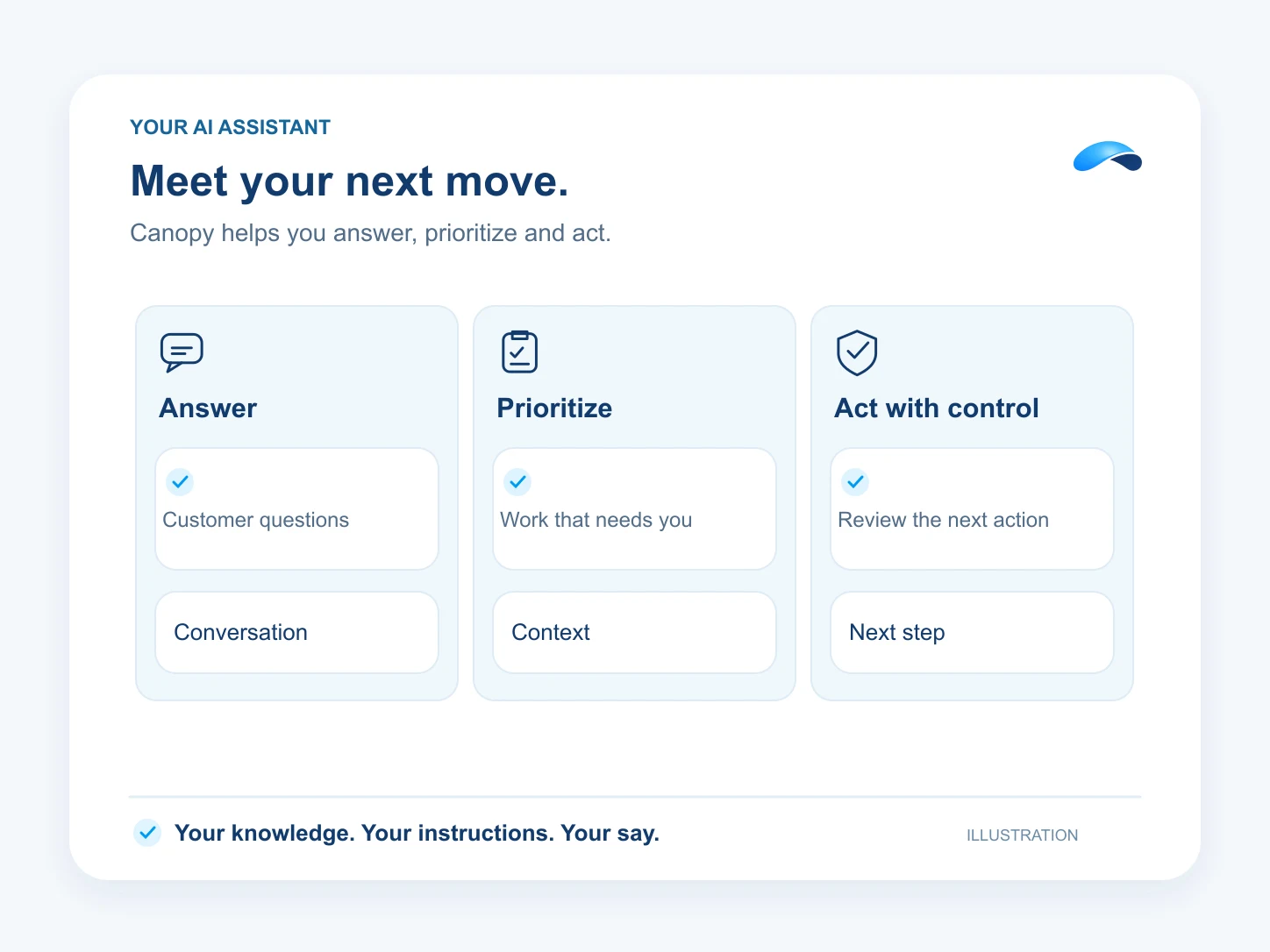
It answers.
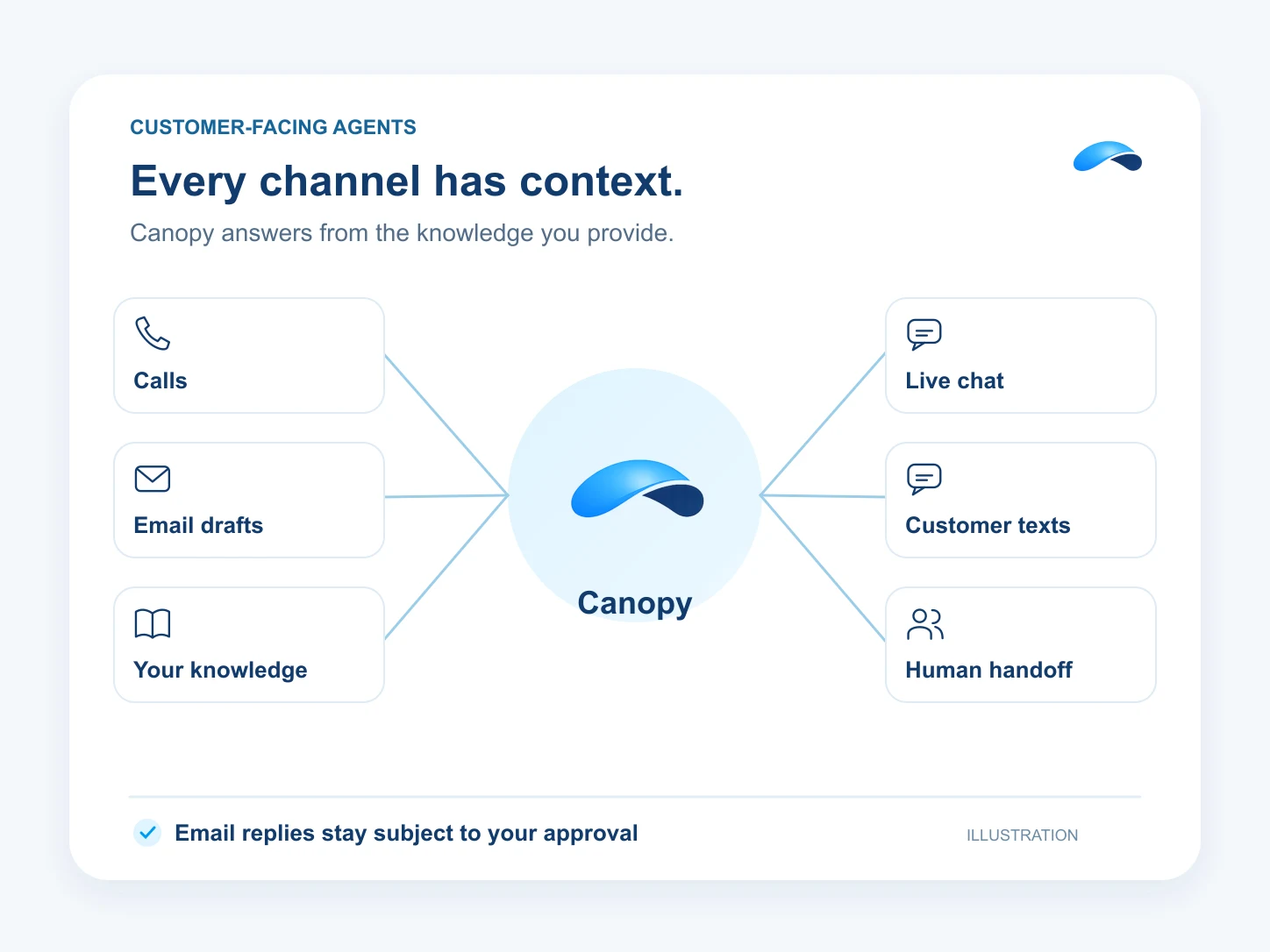
- Canopy answers calls, chats and texts, and drafts email replies for your approval on the channels your plan carries.
- It uses your business knowledge and hands the conversation to your team with the history and caller context.
It tells you what needs you.
- See customer replies waiting for you, leads that need follow-up and tasks coming due in the attention feed.
- Ask for a brief to see what came in, what is stuck and what needs your next move.
It does the work.
- Ask Canopy to assign a lead to the teammate who will follow up.
- Have it draft an email reply and send it after your approval.
- Book a meeting from the available times on your connected calendar.
- Start an AI dialer campaign where your plan and permissions allow it.
- Publish a blog post through the tools your Blog or Marketing product provides.
It works where you work.
- Use the browser agent for work in portals and websites that have no integration, with access and usage governed by your plan.
- Connect your own tools through MCP, or connect the AI tools you already use to Market Canopy as an MCP server.
You stay in control.
- Canopy acts on its own where you allow it, asks where you want a say, and never touches what you rule out.
- Actions that send, spend, publish or delete ask by default, and organization locks set limits your team cannot lower.
- An unattended run pauses for approval before sending free text to a customer or taking a financial or legal action.
- Tool actions are recorded in the session so you can review what Canopy did.
Find the plan that carries Canopy.
Put Canopy on the job.
Morning Brief
Canopy briefs you on new work, untouched leads, waiting conversations and tasks due today.
Ask Canopy
Ask Canopy to find leads, update their stages and draft the next message, with your controls on every action.
Multi-Brand Operations
Switch between the brands you belong to. Each keeps its own numbers, customer conversations and website setup.
Meeting Notes and Follow-Up
Canopy captures notes from your Market Canopy meetings. Assign an action item to turn it into a task.
Portal Work
Ask the browser agent to work a portal. Carrier quoting is a supported example with published playbooks.
Website Visitor to Booked Call
Canopy asks your qualifying questions in live chat and offers a real calendar slot.
Dialer Campaigns
Run a saved lead list with progressive or one-line power dialing, dispositions and voicemail drops.
Knowledge Base Answers
Publish a help center on your domain and let Canopy answer chat questions from the knowledge you grant it.
Blog on Autopilot
Canopy drafts and checks blog posts, then publishes or schedules them under your controls. Carried by Blog or Marketing.
Social Publishing
Connect supported social accounts, review the posts and schedule their publication with the Marketing add-on.
Questions about AI at work.
Where you allow it, yes. Each action is allow, ask or deny, with defaults based on what it changes. Sending, spending and deleting ask by default. Organization locks still apply, and unattended customer free text, financial and legal actions require approval.
Yes. Your team can join or take over a customer chat with its history available, and the phone agent can transfer a call with the transcript and caller context.
The plan cards on this page show the current catalog plans that carry Canopy AI features. Command-center access needs both Canopy and assistant access. Channels, browser work and growth tools follow their own grants and usage limits.
Market Canopy
The AI platform for every conversation your business has.
Market Canopy is the AI-native platform for every conversation your business has. Canopy, your AI, answers customers, remembers conversations and gets the follow-up done across phone, texts, live chat, email, meetings and team chat. Built security-first, it keeps your business in control of what the AI does on its own.
453 S Spring ST, Suite 400, Los Angeles, CA 90017
Links
Features

