
Kanban & Tasks
See who owns the next step.
Track work on a Kanban board, assign tasks and set due dates. Keep follow-up beside the customer records and meetings that started it.
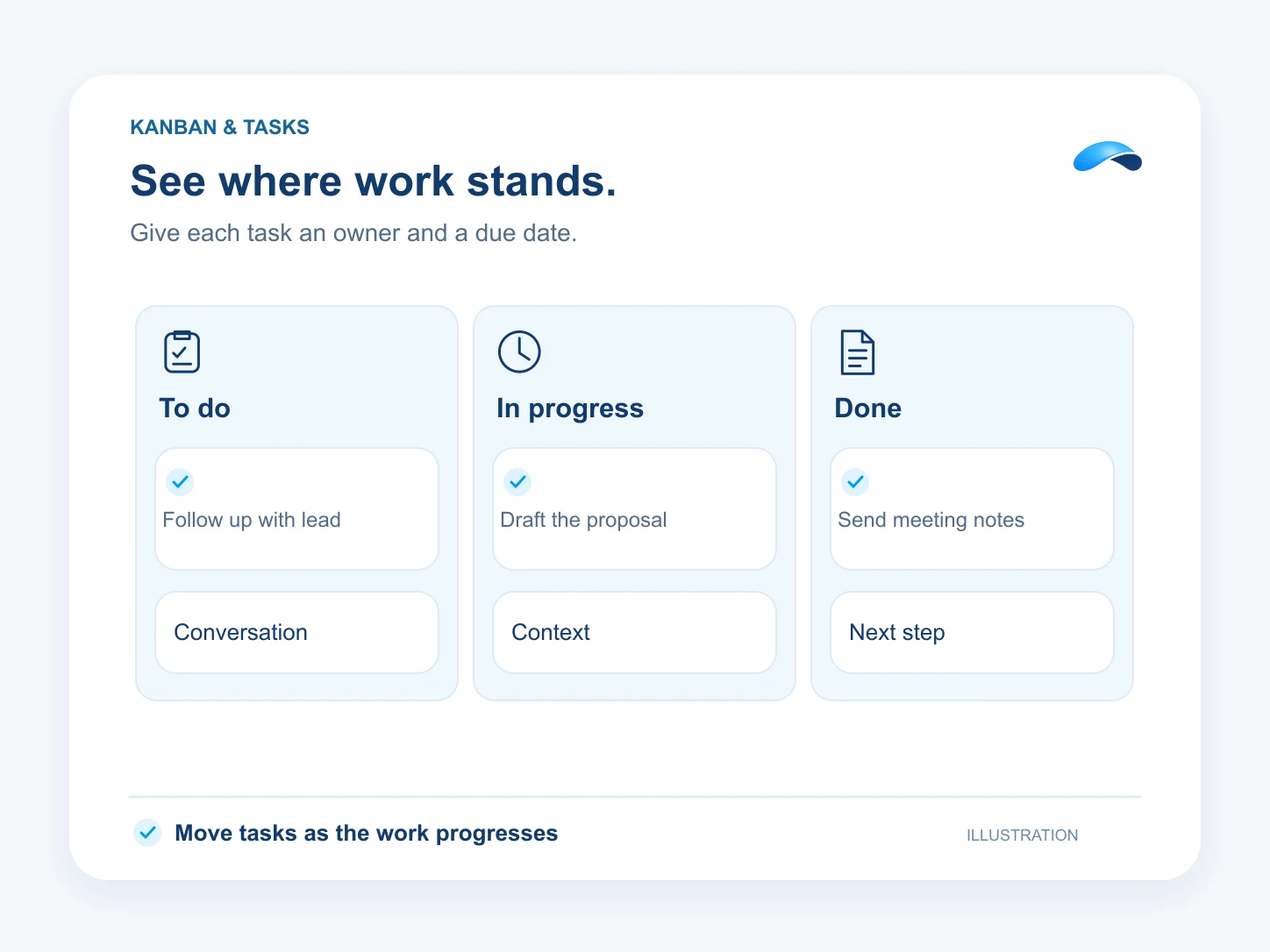
See work move across the board
- Use board columns to see where work stands and move tasks as they progress.
- Set owners, priorities and due dates so teammates can see what to handle next.
- Filter the board or switch to the list view when you need to scan or sort tasks.
Turn follow-up into assigned work
- Attach tasks to supported customer records so the owner starts with the right context.
- Review action items from a captured meeting and turn the next step into a task.
- Create routine follow-up tasks through configured workflows.
Find the right plan for your team.
- 35M Canopy tokens a month
- 100 AI resolutions
- 200 text messages (Canada and United States)
- 3,000 meeting minutes
- See everything included
- 5M Canopy tokens a month
- 1,500 outgoing calling minutes (incoming unlimited)
- 100 text messages (Canada and United States)
- 50 fax pages
- See everything included
- 75M Canopy tokens a month
- 100 AI resolutions
- 1,500 outgoing calling minutes (incoming unlimited)
- 350 text messages (Canada and United States)
- See everything included
Questions about Kanban & Tasks.
Yes. Use the board to see work by column or the list to scan tasks and their details in rows.
Yes. Set the owner, priority and due date so the teammate knows what to pick up and when.
Market Canopy
The AI platform for every conversation your business has.
Market Canopy is the AI-native platform for every conversation your business has. Canopy, your AI, answers customers, remembers conversations and gets the follow-up done across phone, texts, live chat, email, meetings and team chat. Built security-first, it keeps your business in control of what the AI does on its own.
453 S Spring ST, Suite 400, Los Angeles, CA 90017
Links
Features

