
Keep the conversation moving, from first call to test drive.
Your sales floor, BDC and service drive have different jobs. Canopy answers and routes calls, while your team texts back and books the next visit.
Your day
A day in your business.
The moments that need an answer, and how your team can handle them.
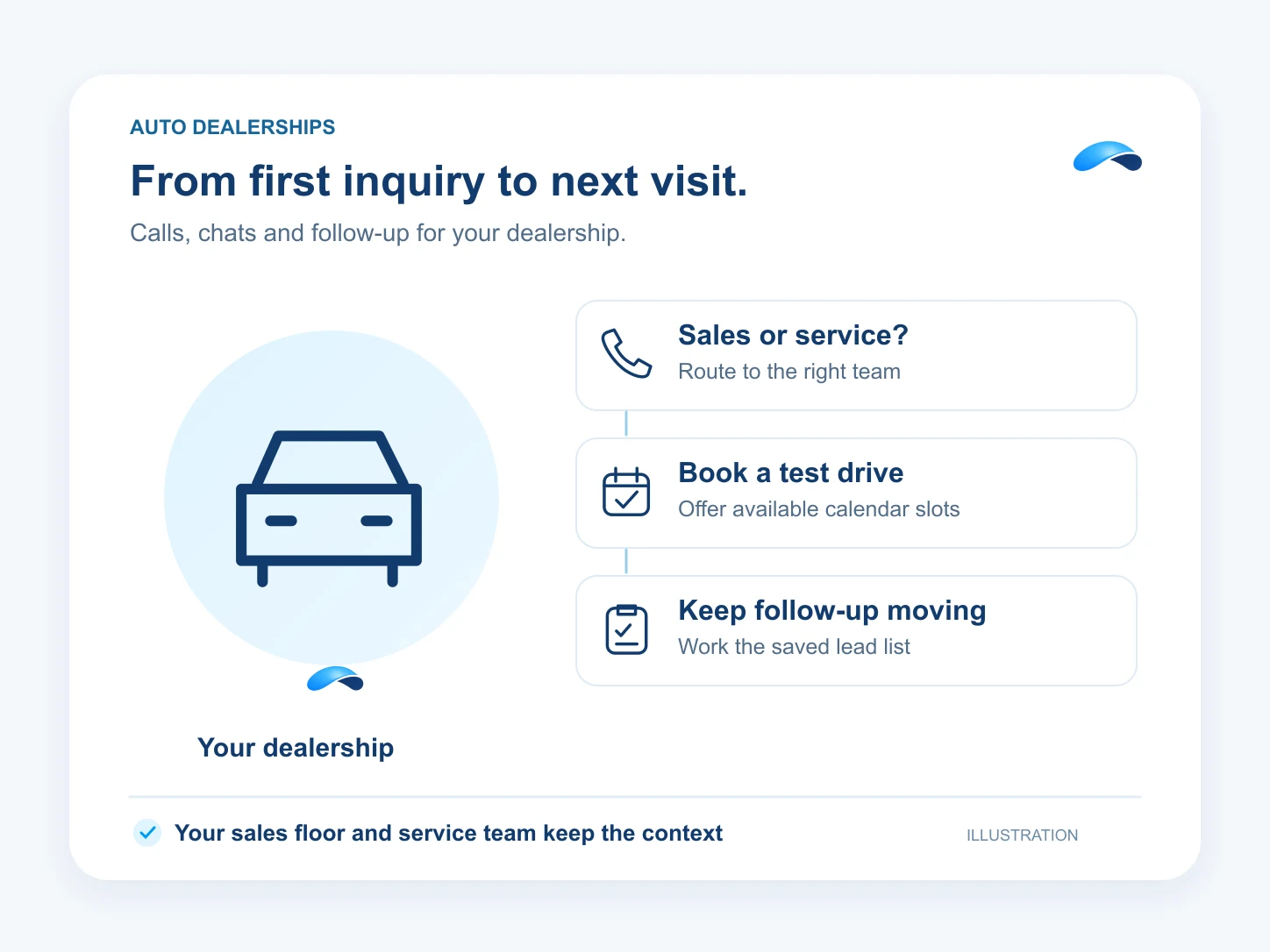
Step 1: The sales floor fills up. The phone keeps ringing.
Canopy asks whether the caller needs sales or service and routes the call. Your team can text back from the conversation when it misses a caller.
Step 2: A service customer asks, “Is my car ready?”
Take the message and send the question to your service team. They supply the repair status and reply in the same thread.
Step 3: A website visitor wants a test drive after closing.
Canopy asks your qualifying questions in chat and offers available test-drive slots from your connected calendar.
Step 4: The BDC starts its follow-up list.
Run a saved lead list with progressive or one-line power dialing. Review captured call recordings, or coach live queue calls with supervisor permissions.
What it does
What Canopy does for your team.
Give Canopy your call destinations and booking rules. Decide which actions it may take and which need your approval.
Canopy acts on its own where you allow it, asks where you want a say, and never touches what you rule out.
Sales or service
Canopy asks what the caller needs and transfers to your configured destination.
Text back
Your team replies to missed callers by SMS from the conversation thread.
Book the test drive
Offer real calendar times in website chat and book the visitor’s chosen slot.
Work the BDC list
Run progressive or one-line power dialing and record each lead’s outcome.
Review and coach
Review captured recordings and let authorized supervisors coach live queue calls.
Answer after closing
Route after-hours calls to Canopy with an escalation destination for your team.
Sample
A test-drive request, illustrative
A visitor books a visit from the calendar. Your sales team confirms vehicle availability.
The plans that carry these jobs.
Each plan below carries some of these capabilities. Check its included features for the jobs you need. Agent, calendar and channel setup still apply.
Explore the jobs and their setup.


Questions from your team.
Yes. Configure the agent with your questions and transfer destinations. It asks what the caller needs and routes the call to the right team.
Your service team supplies that status. Canopy can take the question and route the caller; the team can reply from the conversation thread. This page does not promise a connection to your dealer management system.
Yes, with your chat agent, connected calendar and test-drive event type configured. Canopy offers available slots and books the chosen time. Your team confirms vehicle availability.
Call playback requires captured recordings and a plan with reporting access. Live queue-call coaching requires contact-center access, supervisor permissions and a reachable licensed SIP device.
Call the demo line, or try the chat.
Demo line coming soon.
Market Canopy
The AI platform for every conversation your business has.
Market Canopy is the AI-native platform for every conversation your business has. Canopy, your AI, answers customers, remembers conversations and gets the follow-up done across phone, texts, live chat, email, meetings and team chat. Built security-first, it keeps your business in control of what the AI does on its own.
453 S Spring ST, Suite 400, Los Angeles, CA 90017
Links
Features

