
Give the next listing inquiry a next step.
For agents, brokerages and teams. Canopy asks your qualifying questions and books showings. Your team shares the conversation and keeps the follow-up moving.
Your day
A day in your business.
The moments that need an answer, and how your team can handle them.
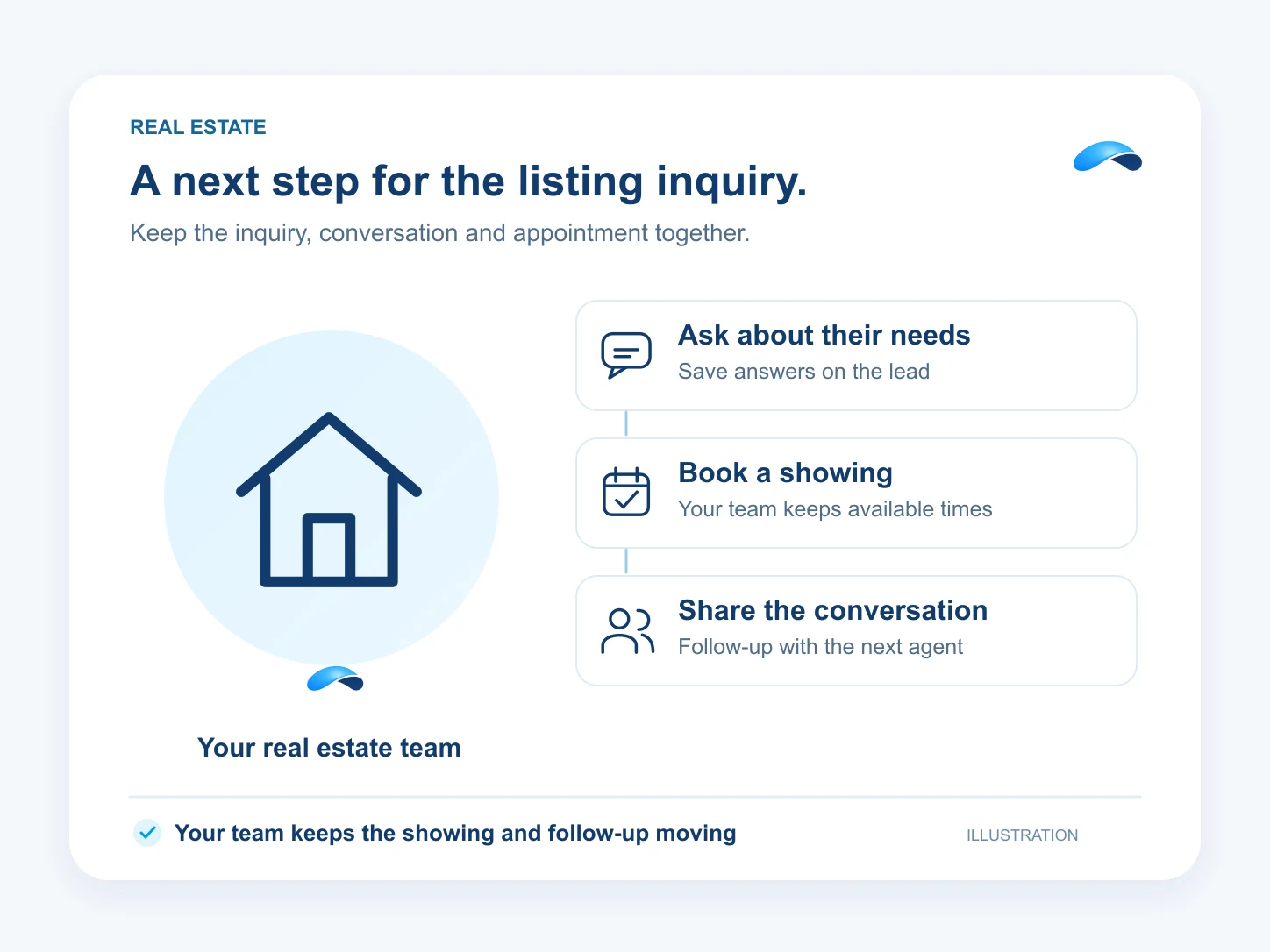
Step 1: A listing lead calls once, between your showings.
Canopy answers and asks the questions you choose. Save the caller’s needs on the lead so your team has a starting point.
Step 2: A prospect wants to see the property tomorrow.
Offer showing times from your connected calendar. Your team maintains the calendar and confirms access to the property.
Step 3: Several agents share the same number.
Keep texts and chat in a shared inbox. Use a round-robin booking pool to distribute appointments among eligible agents.
Step 4: Yesterday’s inquiry needs another touch.
Configure a lead follow-up sequence with template emails and texts, then leave the next call as a task for an agent.
What it does
What Canopy does for your team.
Keep the lead’s questions, the conversation and the next appointment where your team can work them.
Canopy acts on its own where you allow it, asks where you want a say, and never touches what you rule out.
Qualify the inquiry
Canopy asks your qualifying questions and saves the answers to the lead.
Book a showing
Offer the showing slots your team makes available in its connected calendar.
Share the inbox
Your authorized teammates can work customer texts and chats with the conversation history.
Round-robin booking
Configured scheduling pools distribute bookings across eligible agents with available times.
Keep following up
Configured sequences send template emails and texts, with a task for the agent’s next step.
Sample
A showing inquiry, illustrative
A prospect shares what they need and selects a time from the team’s showing calendar.
The plans that carry these jobs.
Each plan below carries some of these capabilities. Check its included features for the jobs you need. Agent, calendar and channel setup still apply.
Explore the jobs and their setup.


Questions from your team.
Yes. Configure the agent’s qualifying questions and grant access to the lead tools it needs. It can record the answers for your team’s follow-up.
Yes. Configure a round-robin scheduling pool with eligible agents, connected calendars and event types. Bookings follow the pool’s availability; this is appointment assignment, not a promise that every inbound lead is assigned automatically.
Yes. Authorized teammates can share customer conversation history and reply through configured text and chat channels. Organization membership and permissions govern access.
No native MLS or external CRM connection is promised on this page. Your team supplies the listing context and showing calendar. Separately configured browser-agent or MCP work depends on supported tools, your access and review.
Call the demo line, or try the chat.
Demo line coming soon.
Market Canopy
The AI platform for every conversation your business has.
Market Canopy is the AI-native platform for every conversation your business has. Canopy, your AI, answers customers, remembers conversations and gets the follow-up done across phone, texts, live chat, email, meetings and team chat. Built security-first, it keeps your business in control of what the AI does on its own.
453 S Spring ST, Suite 400, Los Angeles, CA 90017
Links
Features

