
Hand Canopy a repository and a job.
Give Canopy a repository and a task. It plans, edits files and runs the project’s checks in a local or cloud workspace, and you review the result.
The problem
Sound familiar?
“I spend half my day on fixes I already know how to make.”
“Every agent session starts from zero, and I explain the same steps again.”
“I want the agent working while my laptop is closed.”
What it does
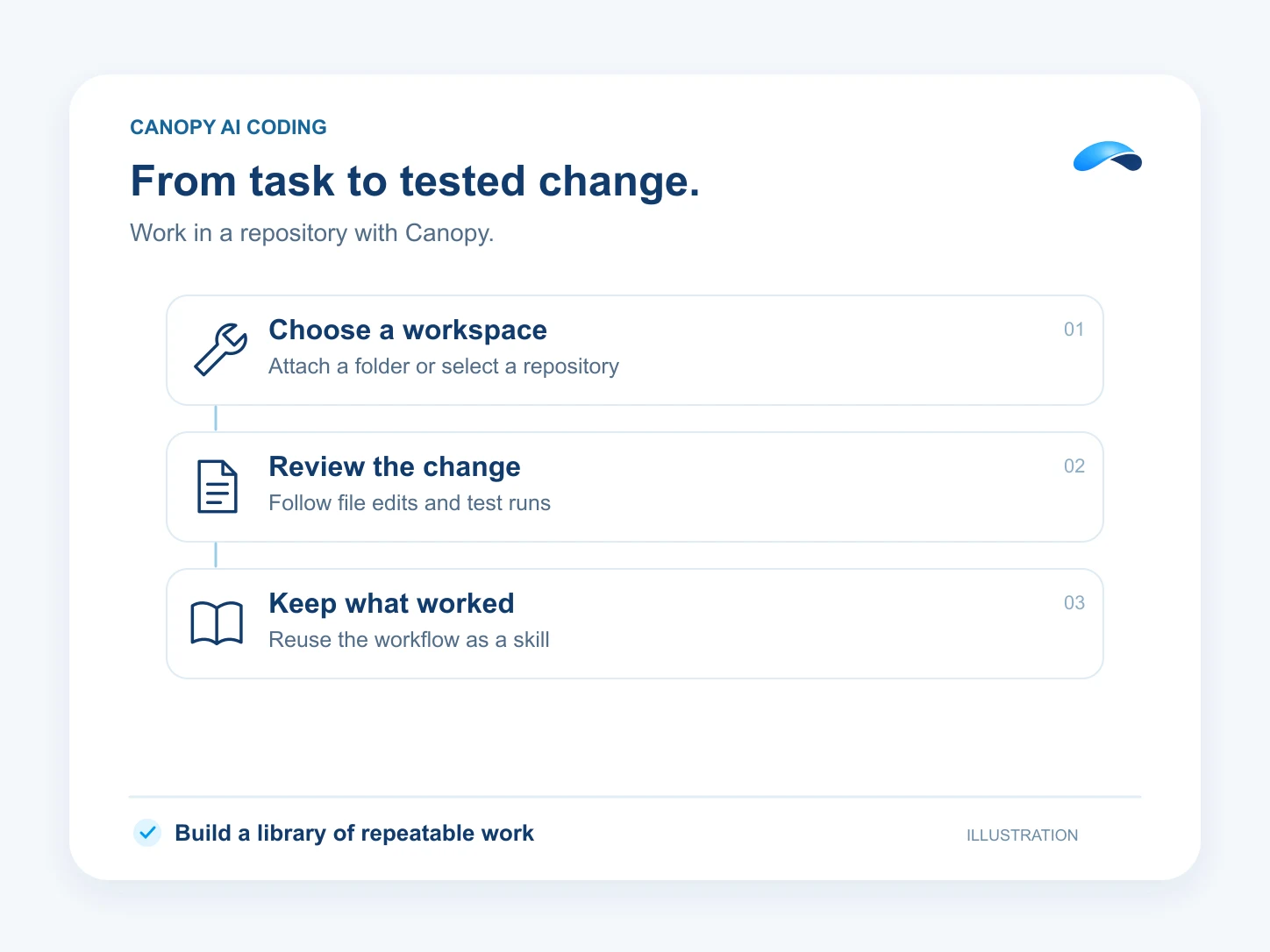
From task to tested change.
Attach a local folder in the desktop app, or select a repository and branch for a cloud session. Ask Canopy to trace a bug, propose a plan, edit files and run the project’s checks in its workspace.
Review file changes and command results from the same session. Turn a repeatable fix into a skill, so the next session can follow the same steps, and connect plugins and tools to extend what Canopy can do.
Plan, edit, test
Canopy works the task in the repository.
Local or cloud
Run on your machine or in a cloud runner.
Skills that stick
Reuse what worked in the next session.
Your tools
Connect plugins and MCP servers.
Setup
How it works in Canopy
4 steps, from setup to the work getting done.
Step 1: Choose where it works
Attach a local folder in the desktop app, or choose a cloud environment with the connected GitHub repository and branch.
Step 2: Set up the workspace
For a cloud runner, define the setup and start scripts your project needs, plus network access and environment secrets for the job.
Step 3: Describe the job
Ask Canopy for the fix, the feature or the investigation. It proposes a plan, edits files and runs the checks, with approvals where your settings require them.
Step 4: Review and reuse
Follow the runner’s state and the command results from the session, review the changes, and keep a repeatable fix as a skill after you approve it.
Sample
Sample conversation, illustrative
A developer hands Canopy a failing test in a cloud session.
The plans that carry this.
- 75M Canopy tokens a month
- 100 AI resolutions
- 1,500 outgoing calling minutes (incoming unlimited)
- 350 text messages (Canada and United States)
- See everything included
- 75M Canopy tokens a month
- 6 runner time (Canopy Cloud)
- 5 browser-hours (Hosted browser)
- See everything included
Call the demo line, or try the chat.
Demo line coming soon.
Market Canopy
The AI platform for every conversation your business has.
Market Canopy is the AI-native platform for every conversation your business has. Canopy, your AI, answers customers, remembers conversations and gets the follow-up done across phone, texts, live chat, email, meetings and team chat. Built security-first, it keeps your business in control of what the AI does on its own.
453 S Spring ST, Suite 400, Los Angeles, CA 90017
Links
Features

