
Answer from your knowledge. Help on your domain.
Publish a help center on your domain and let Canopy answer chat questions from the knowledge you grant it.
The problem
Sound familiar?
“The answer is in our documents, but customers still have to ask someone to find it.”
“Our help articles and our chat answers say different things.”
What it does
Your answers, ready for the customer.
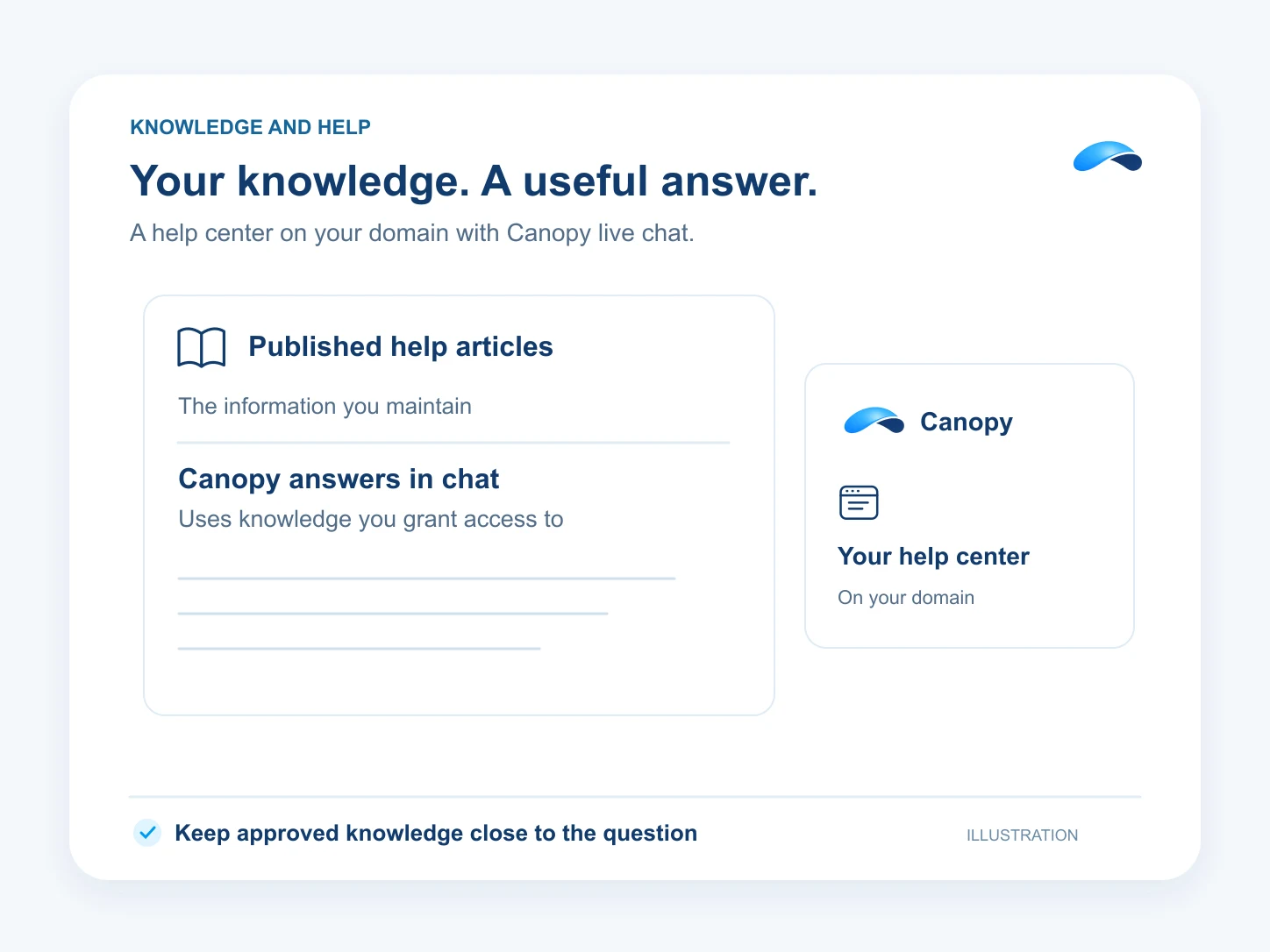
Publish help articles in a helpdesk and serve its help center on a verified subdomain. Give the chat assistant access to the training libraries and published articles it may use.
Canopy searches that knowledge for relevant excerpts and can link a visitor to the published article. A widget bound to a helpdesk narrows article retrieval to that helpdesk. Configure human handover for questions your team needs to answer.
Published help articles
Give customers a place to find answers.
Answers from your knowledge
Grant the assistant the sources it may search.
Your help domain
Serve the help center on a verified subdomain.
Setup
How it works in Canopy
4 steps, from setup to the work getting done.
Step 1: Publish the help articles
In Knowledge Base, write and publish your articles into the collections the helpdesk will serve.
Step 2: Grant the training knowledge
In Training libraries, upload your documents. Grant the assistant the libraries it may retrieve and the published help articles it should use.
Step 3: Set up the helpdesk domain
In Helpdesks, configure the help center. Set a subdomain, add the returned DNS records and wait for verification and certificate activation.
Step 4: Bind the chat to the helpdesk
Use Live Chat to bind the widget to the helpdesk and assistant. Test a document question, an article link and the handover to your team.
Sample
Sample conversation, illustrative
A customer asks a how-to question and receives a link to a published help article.
The plans that carry this.


Call the demo line, or try the chat.
Demo line coming soon.
Market Canopy
The AI platform for every conversation your business has.
Market Canopy is the AI-native platform for every conversation your business has. Canopy, your AI, answers customers, remembers conversations and gets the follow-up done across phone, texts, live chat, email, meetings and team chat. Built security-first, it keeps your business in control of what the AI does on its own.
453 S Spring ST, Suite 400, Los Angeles, CA 90017
Links
Features

