
Leave the meeting with notes and a next step.
Canopy captures notes from your Market Canopy meetings. Assign an action item to turn it into a task.
The problem
Sound familiar?
“We agree on the next steps, then nobody remembers who took which one.”
“Writing the recap takes longer than the meeting.”
What it does
The conversation leaves a record.
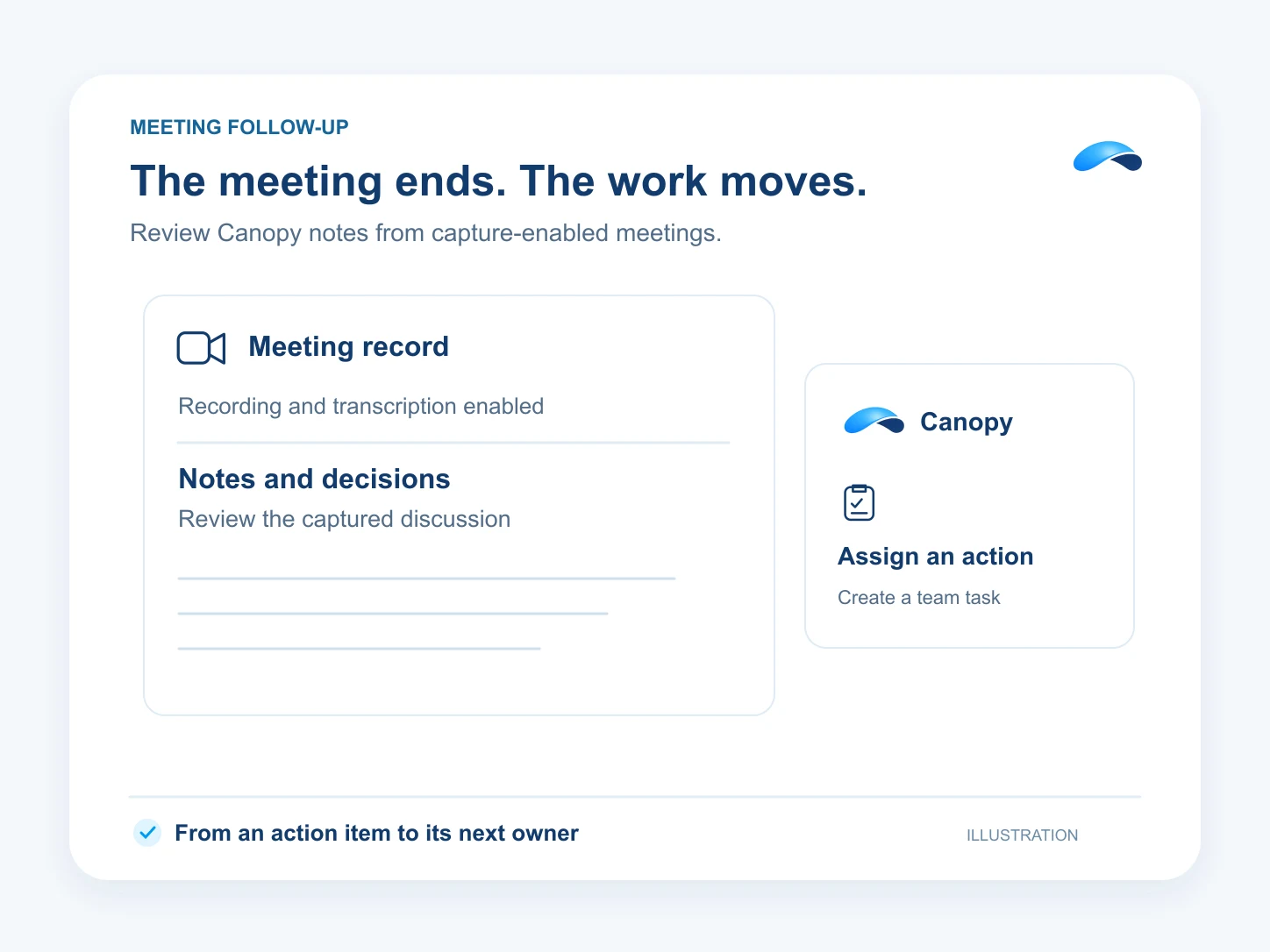
Turn on notes as a moderator in a Market Canopy meeting. Canopy builds a recap, decisions and action items from its transcript. Review the notes and assign an action item to create a task with an owner and due date.
Captured phone-call transcripts can also receive a summary and analysis. Meeting notes require transcription and an eligible meeting; choose a meeting mode that supports capture.
A meeting recap
Read the decisions and action items.
An owner for the action
Assign an item and create its task.
A date to follow through
Set a due date when you assign it.
Setup
How it works in Canopy
4 steps, from setup to the work getting done.
Step 1: Start a Market Canopy meeting
Use Meet Now or a booked meeting. Notes need premium meeting media, enabled organization settings and available AI funding.
Step 2: Turn on notes as moderator
Use the meeting’s Notes control. Taking notes starts the transcription it needs and shows an indicator to the people in the meeting.
Step 3: Review the recap and actions
Open the notes after the meeting. Check the recap, decisions and action items against what was said.
Step 4: Assign the follow-up
Choose the action item’s owner and due date. Assigning it creates a linked task; Canopy can also do this when you ask.
Sample
Sample conversation, illustrative
A manager reviews a meeting action and assigns its follow-up.
The plans that carry this.
More for managers


Call the demo line, or try the chat.
Demo line coming soon.
Market Canopy
The AI platform for every conversation your business has.
Market Canopy is the AI-native platform for every conversation your business has. Canopy, your AI, answers customers, remembers conversations and gets the follow-up done across phone, texts, live chat, email, meetings and team chat. Built security-first, it keeps your business in control of what the AI does on its own.
453 S Spring ST, Suite 400, Los Angeles, CA 90017
Links
Features

