
Keep the blog moving. Keep your say.
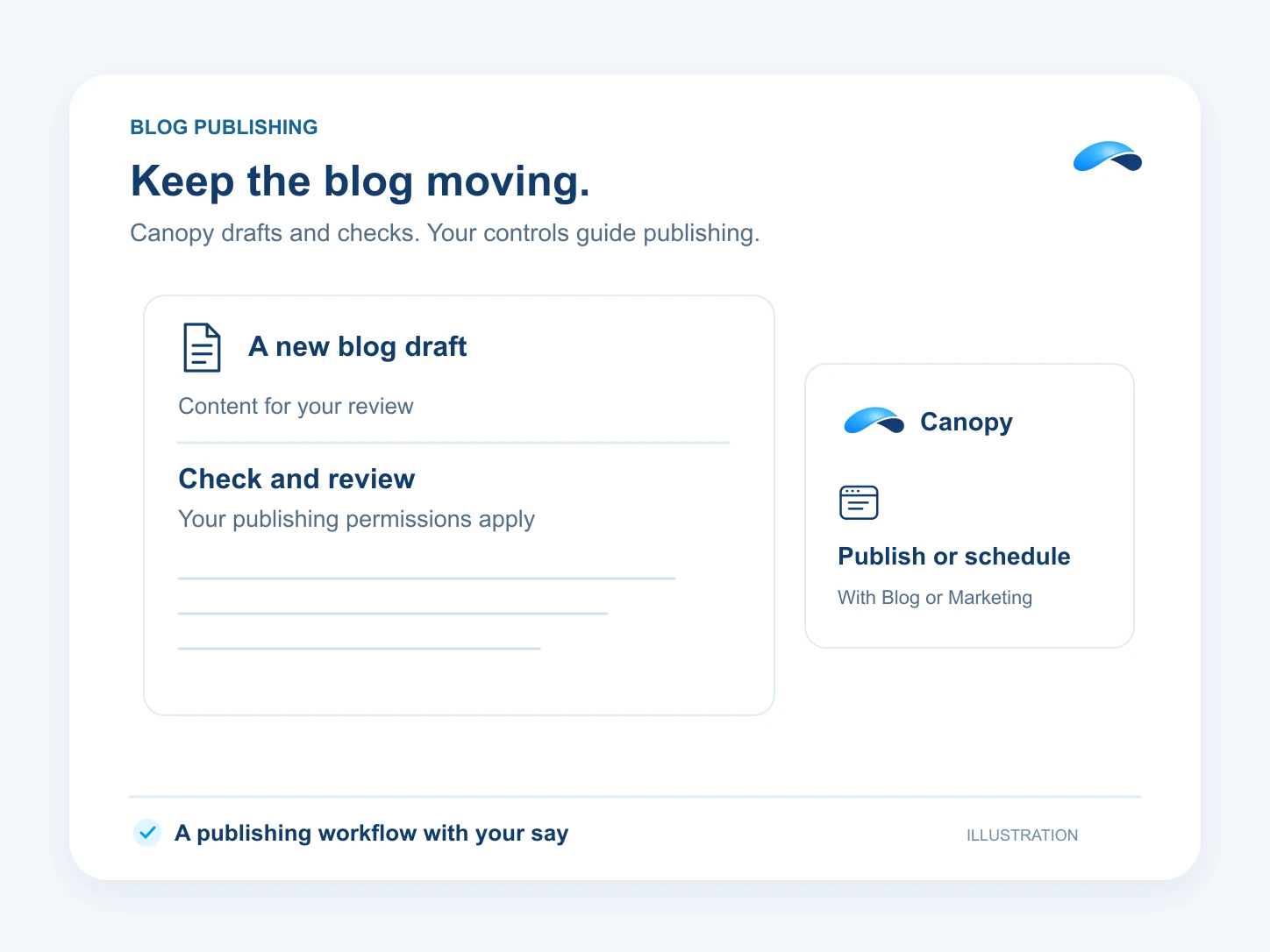
Canopy drafts and checks blog posts, then publishes or schedules them under your controls. Carried by Blog or Marketing.
The problem
Sound familiar?
“We have useful things to say, but the blog is always last on the list.”
“The draft gets written. The title, links and publishing never get finished.”
What it does
A draft becomes a post you can stand behind.
With the Blog or Marketing add-on, ask Canopy to draft a post, check its search fields and suggest internal links. Review it, then publish now or schedule it for your blog on a verified domain.
Configured marketing agents can also write and refresh articles within the product’s allowance. Review rules and the blog’s minimum SEO score govern automated publishing. The catalog shows which product carries the work.
Draft the article
Ask Canopy to write a post for review.
Check before publishing
Review search fields and internal links.
Publish on your schedule
Choose now or a later publishing time.
Setup
How it works in Canopy
4 steps, from setup to the work getting done.
Step 1: Set up the blog and domain
Use Blog or Marketing capacity to create the blog. Configure its subdomain and verify the DNS records before serving posts there.
Step 2: Ask Canopy for a draft
Give Canopy the topic, audience and facts to use. It can create a saved draft for you to review.
Step 3: Check the draft
Ask for the SEO check and internal-link suggestions. Review the title, body and source facts before the post goes out.
Step 4: Publish or schedule under your controls
Approve the publishing action when required, or configure the agent’s review and score rules. The post goes to the blog’s configured destination.
Sample
Sample conversation, illustrative
A marketer reviews a draft and its checks before scheduling the post.
The plans that carry this.


Call the demo line, or try the chat.
Demo line coming soon.
Market Canopy
The AI platform for every conversation your business has.
Market Canopy is the AI-native platform for every conversation your business has. Canopy, your AI, answers customers, remembers conversations and gets the follow-up done across phone, texts, live chat, email, meetings and team chat. Built security-first, it keeps your business in control of what the AI does on its own.
453 S Spring ST, Suite 400, Los Angeles, CA 90017
Links
Features

