
Write the post. Let the schedule carry it.
Connect supported social accounts, review the posts and schedule their publication with the Marketing add-on.
The problem
Sound familiar?
“Every channel has its own draft and its own reminder to publish.”
“We have the posts ready. We miss the time we meant to send them.”
What it does
Your posts have a place and a time.
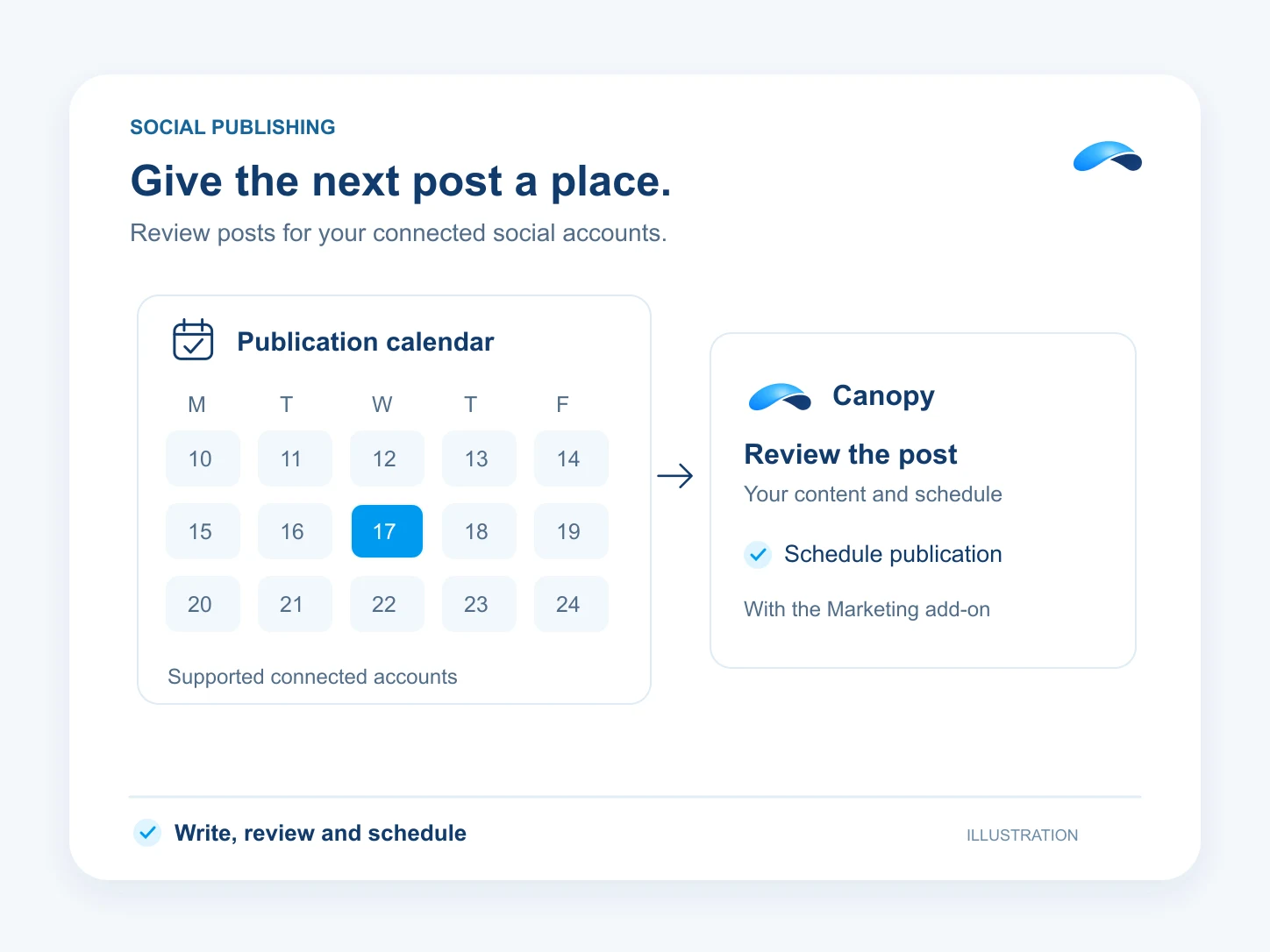
The Marketing add-on connects supported social accounts to your site. Prepare the post for each destination, choose a queue slot or a date, and let the publishing schedule carry it.
Canopy can show the scheduled posts and request scheduling or publishing through the marketing tools. Those actions ask by default. Supported destinations and media depend on the connected account and publishing provider.
Connected destinations
Choose the supported accounts you own.
A publishing queue
Use a slot or choose a date.
Review the result
See published posts and failed attempts.
Setup
How it works in Canopy
4 steps, from setup to the work getting done.
Step 1: Connect your channels
In Marketing’s Channels page, connect supported social accounts and assign the destination to the right site.
Step 2: Prepare the post for each destination
Write the copy and choose supported media. Review the destination’s own limits before putting the post in the queue.
Step 3: Choose the publishing time
Use Marketing’s Calendar to choose a slot or a specific date. Canopy can also request the scheduling action for your review.
Step 4: Check publication and act on failures
Review the post’s status. Fix a failed destination or reconnect an account before trying it again.
Sample
Sample conversation, illustrative
A marketer reviews a post and asks Canopy to place it in a connected channel’s queue.
The plans that carry this.


Call the demo line, or try the chat.
Demo line coming soon.
Market Canopy
The AI platform for every conversation your business has.
Market Canopy is the AI-native platform for every conversation your business has. Canopy, your AI, answers customers, remembers conversations and gets the follow-up done across phone, texts, live chat, email, meetings and team chat. Built security-first, it keeps your business in control of what the AI does on its own.
453 S Spring ST, Suite 400, Los Angeles, CA 90017
Links
Features

