
Work the call list with a next step for every lead.
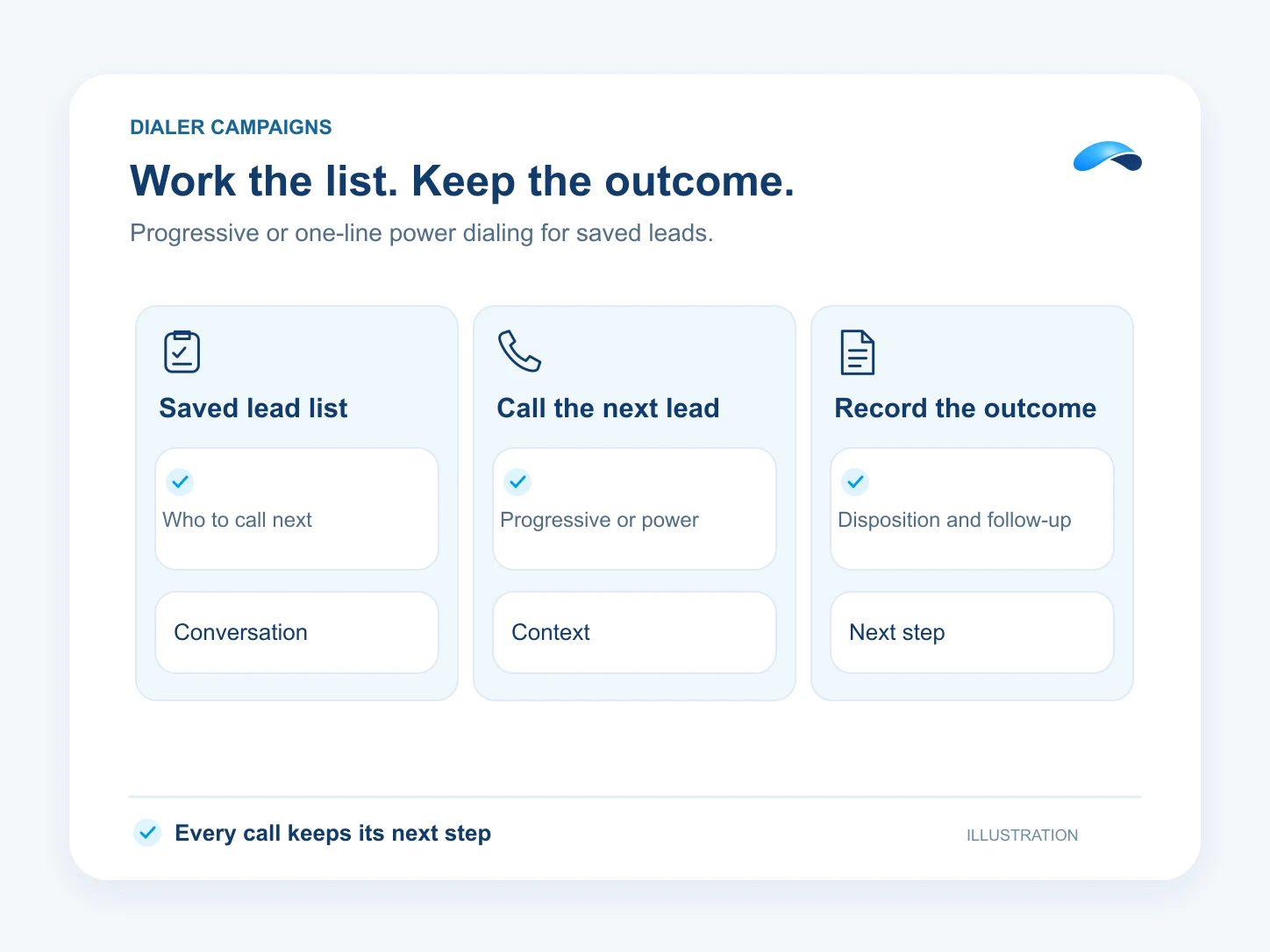
Run a saved lead list with progressive or one-line power dialing, dispositions and voicemail drops.
The problem
Sound familiar?
“The list is ready, but reps lose time picking the next number and writing what happened.”
“We leave the same voicemail all day, then forget which leads need another call.”
What it does
The list becomes a calling session.
Start a dialer run from a saved lead view. Progressive or one-line power pacing helps your team work the list, while dispositions record each outcome and a prepared voicemail drop handles repeat messages.
Calling windows, caller ID, capacity and suppression checks still apply. Use the outcomes to decide which leads need another attempt or a person’s follow-up.
Your saved lead list
Call the records in the view you choose.
One call at a time
Use progressive or one-line power pacing.
A prepared voicemail
Drop the message you have recorded.
Setup
How it works in Canopy
4 steps, from setup to the work getting done.
Step 1: Choose the saved lead view
In Leads, filter the list you want to call and save that view for the run.
Step 2: Set the calling session
Choose progressive or one-line power pacing, the caller ID and calling window. The run checks the team’s calling access and capacity.
Step 3: Prepare your voicemail message
Create a recorded voicemail drop your reps may use. Pick it when an answered call reaches voicemail.
Step 4: Record the outcome
Use a disposition after the attempt, then work the next lead. Check the outcomes before starting another follow-up.
Sample
Sample conversation, illustrative
A rep uses a prepared voicemail and records a follow-up outcome.
The plans that carry this.
More for sales


Call the demo line, or try the chat.
Demo line coming soon.
Market Canopy
The AI platform for every conversation your business has.
Market Canopy is the AI-native platform for every conversation your business has. Canopy, your AI, answers customers, remembers conversations and gets the follow-up done across phone, texts, live chat, email, meetings and team chat. Built security-first, it keeps your business in control of what the AI does on its own.
453 S Spring ST, Suite 400, Los Angeles, CA 90017
Links
Features

