
Turn a website question into a booked conversation.
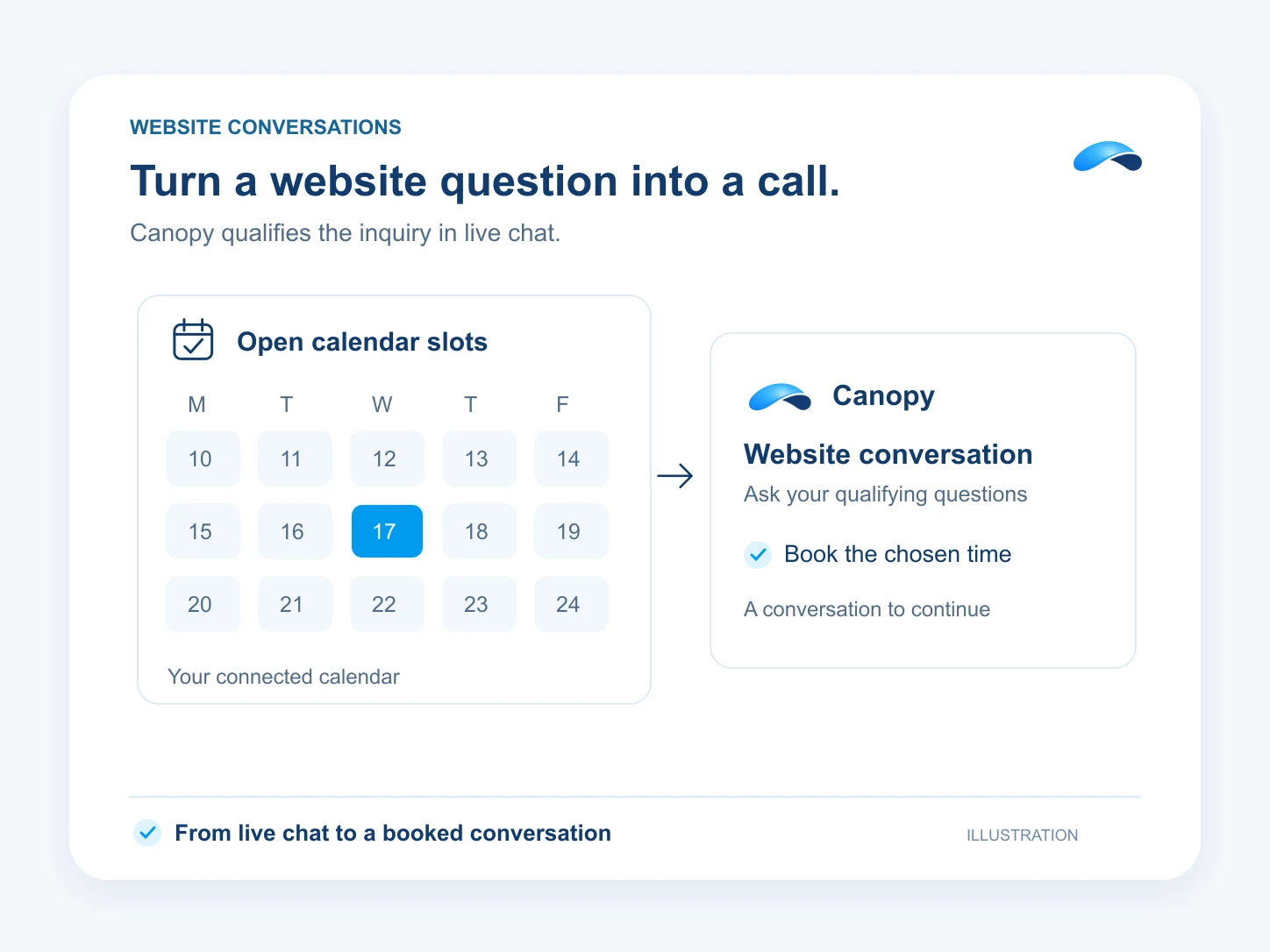
Canopy asks your qualifying questions in live chat and offers a real calendar slot.
The problem
Sound familiar?
“Someone asks about our service on the website, then disappears before we call them.”
“Our form collects a number. It does not get the customer to a meeting.”
What it does
From a question to the calendar.
Put Canopy in your website’s live chat. A configured assistant can ask the questions your team uses to qualify a lead, record the answers through permitted tools and offer available appointment times.
The visitor confirms a time before the booking is made. Set the booking action’s controls and a human handover path. The conversation stays with the customer record for your team to pick up.
Qualify in the chat
Ask the questions your team needs.
Offer real times
Read availability from the calendar.
Confirm the booking
Book the slot the visitor chooses.
Setup
How it works in Canopy
4 steps, from setup to the work getting done.
Step 1: Add Live Chat to your website
Create a widget in Live Chat and embed it where visitors ask about your services. Bind the customer assistant you want answering.
Step 2: Teach the assistant your questions
Use AI Profiles to set the qualifying questions, business facts and handover rules. Give it access to the lead and scheduling tools it needs.
Step 3: Set up bookable availability
In Calendar, configure the event type and availability your team will offer. Set the assistant’s booking action to the control you want.
Step 4: Read the conversation before the call
Open the customer’s conversation and lead record. Review the answers and the booked appointment before your teammate calls.
Sample
Sample conversation, illustrative
A visitor answers a qualifying question and chooses an available meeting time.
The plans that carry this.
More for sales


Call the demo line, or try the chat.
Demo line coming soon.
Market Canopy
The AI platform for every conversation your business has.
Market Canopy is the AI-native platform for every conversation your business has. Canopy, your AI, answers customers, remembers conversations and gets the follow-up done across phone, texts, live chat, email, meetings and team chat. Built security-first, it keeps your business in control of what the AI does on its own.
453 S Spring ST, Suite 400, Los Angeles, CA 90017
Links
Features

