
Ask for the work. Decide what runs.
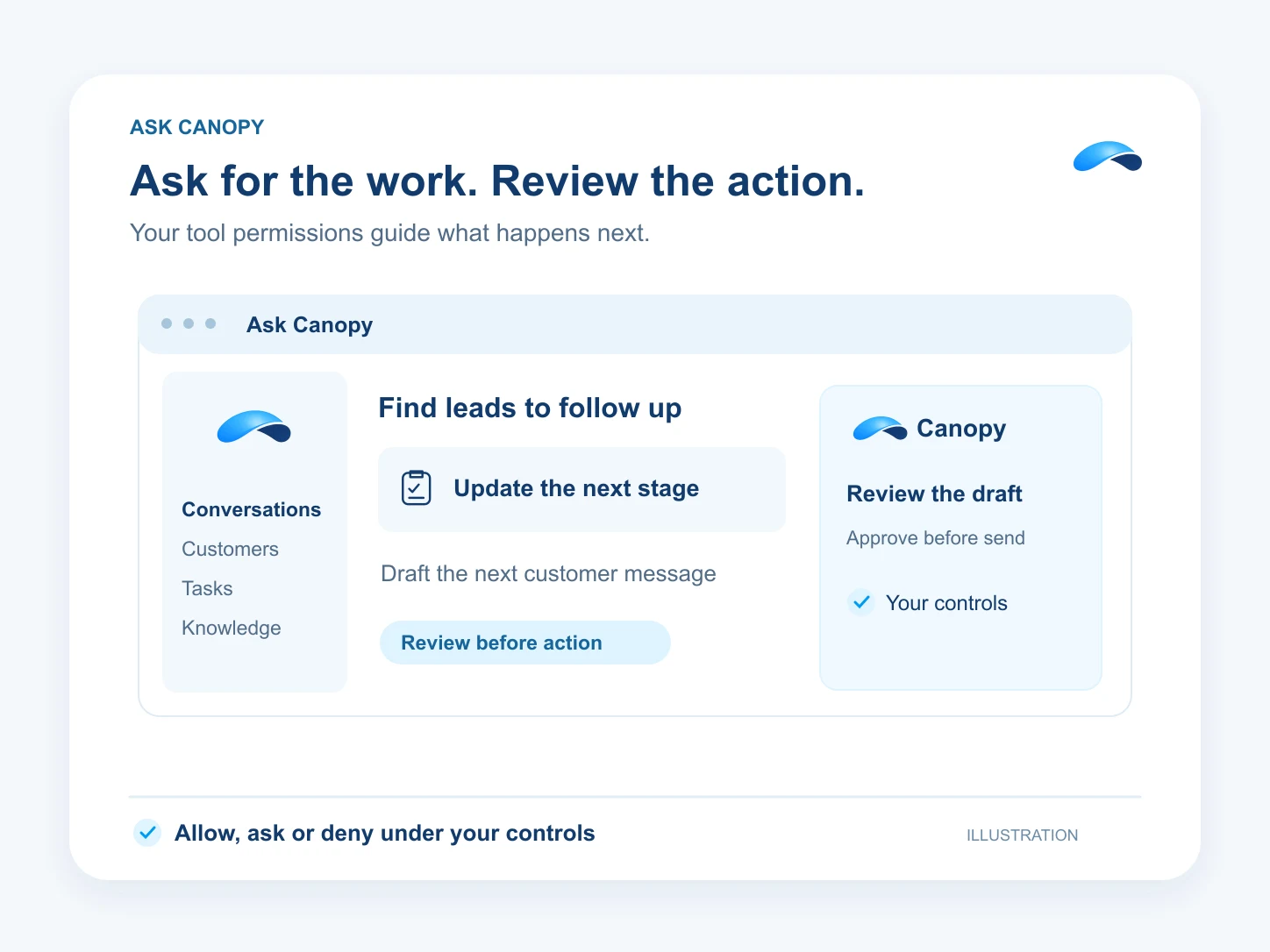
Ask Canopy to find leads, update their stages and draft the next message, with your controls on every action.
The problem
Sound familiar?
“I know which deals need follow-up. Moving them and writing every message takes the afternoon.”
“I want help doing the work, with a chance to check what reaches a customer.”
What it does
A request becomes work you can review.
Tell Canopy the job in plain words. It can look up your leads, use the tools your business has installed, update records and prepare follow-up messages. It acts with your access to the business.
You decide which actions it may run and which need your say. An unattended run pauses for approval before sending new free-text messages to customers.
Ask in plain words
Describe the work you need done.
Work across your tools
Find records and carry out permitted actions.
Your say on sends
Review customer messages when approval is required.
Setup
How it works in Canopy
4 steps, from setup to the work getting done.
Step 1: Open Canopy
Start in the business where the work belongs. Canopy uses the modules, products and permissions available there.
Step 2: Name the records and outcome
Ask for leads that need follow-up, the stage to move them to and the message you want prepared.
Step 3: Set what may run on its own
Keep the actions you want to review on ask. Your organization can also lock an action or rule it out.
Step 4: Review and approve the follow-up
Check the proposed message and recipients. Approve the send when Canopy asks, then read the result in the conversation.
Sample
Sample conversation, illustrative
An owner requests follow-up and reviews the proposed texts.
The plans that carry this.


Call the demo line, or try the chat.
Demo line coming soon.
Market Canopy
The AI platform for every conversation your business has.
Market Canopy is the AI-native platform for every conversation your business has. Canopy, your AI, answers customers, remembers conversations and gets the follow-up done across phone, texts, live chat, email, meetings and team chat. Built security-first, it keeps your business in control of what the AI does on its own.
453 S Spring ST, Suite 400, Los Angeles, CA 90017
Links
Features

