
Work across your brands from one login.
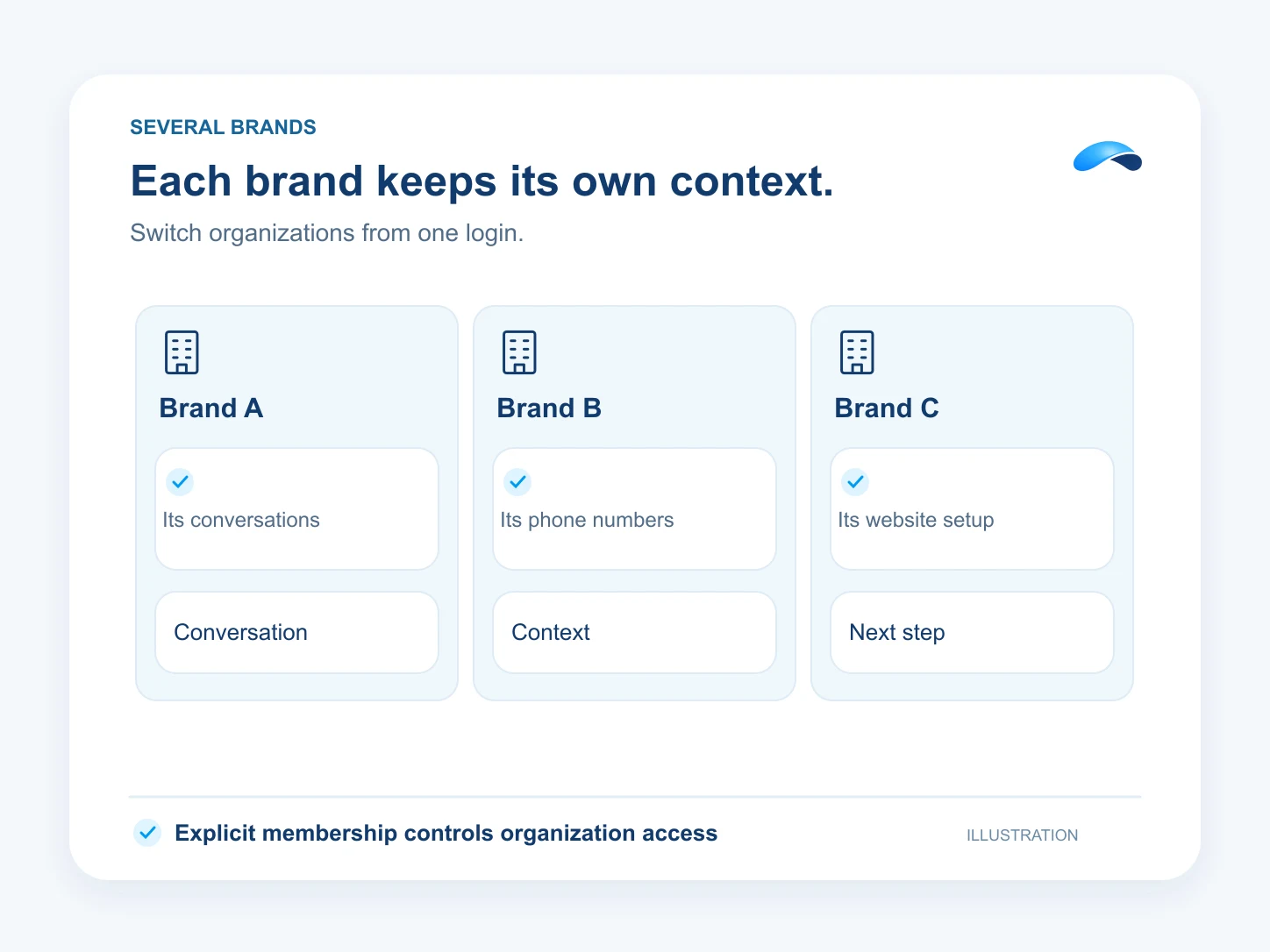
Switch between the brands you belong to. Each keeps its own numbers, customer conversations and website setup.
The problem
Sound familiar?
“We run two brands. Their calls and customers need to stay with the right team.”
“I need to work in both without handing everyone access to both.”
What it does
Each brand keeps its own work.
Your login can hold a membership in more than one organization. Switch to a brand to work with its numbers, inbox, customer records and site. Your role can be different in each.
A brand family links billing for a parent and its brands. Access still comes from membership. Set up each brand’s channels and purchase the website capacity it needs.
Switch brands
Work in the organization you select.
A role per brand
Give people access where they belong.
Channels per brand
Configure its own numbers and inbox.
Setup
How it works in Canopy
4 steps, from setup to the work getting done.
Step 1: Set up the brand relationship
In Brand family, request a parent relationship from the child business. An authorized person in the parent reviews it.
Step 2: Give the team membership
Invite or enroll each teammate in the brand where they work and give them the role they need there.
Step 3: Set up its number, inbox and site
Order and route that brand’s number, configure its customer channels and set up its site when you have Marketing capacity.
Step 4: Switch before you work
Use the organization switcher to choose a brand. Canopy and your records follow the selected business and your role there.
Sample
Sample conversation, illustrative
An owner switches brands before asking about that brand’s work.
The plans that carry this.


Call the demo line, or try the chat.
Demo line coming soon.
Market Canopy
The AI platform for every conversation your business has.
Market Canopy is the AI-native platform for every conversation your business has. Canopy, your AI, answers customers, remembers conversations and gets the follow-up done across phone, texts, live chat, email, meetings and team chat. Built security-first, it keeps your business in control of what the AI does on its own.
453 S Spring ST, Suite 400, Los Angeles, CA 90017
Links
Features

