
Start the day knowing what needs you.
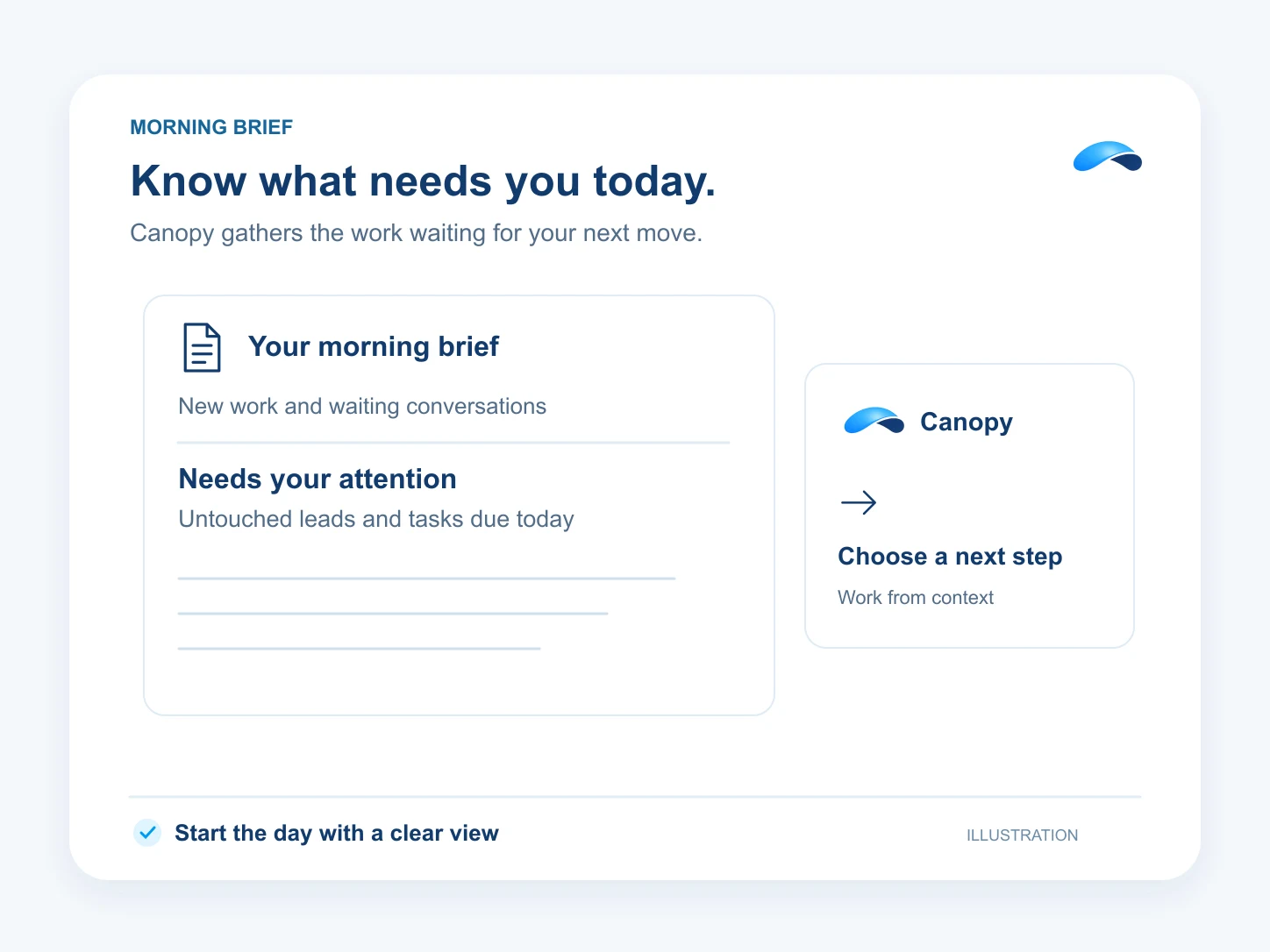
Canopy briefs you on new work, untouched leads, waiting conversations and tasks due today.
The problem
Sound familiar?
“My morning starts with six tabs just to find out what needs a reply.”
“An overdue task and a lead nobody picked up look the same as everything else.”
What it does
Your first conversation of the day.
Open Canopy for a brief of the work that needs your attention. It brings together unassigned leads from today, leads left untouched, conversations waiting on your team and your overdue or due-today tasks.
The brief follows the attention feed for the organization you are working in and the records you may see. Ask for a fresh brief when you need an update.
A brief to start
Read what needs your attention.
Leads that need a touch
See unassigned leads and stalled follow-up.
Due and overdue
See the tasks waiting on you.
Setup
How it works in Canopy
4 steps, from setup to the work getting done.
Step 1: Open Canopy for the right business
Choose the organization you want to work in, then open Canopy. Its brief uses your access in that organization.
Step 2: Read the brief
Canopy narrates the attention feed: leads, conversations and deadlines from the installed business modules.
Step 3: Open the work behind it
Open a lead, conversation or task from its attention item to see the record before acting.
Step 4: Ask for the next step
Ask Canopy to help with a waiting item. Actions follow your permissions and the controls you set.
Sample
Sample conversation, illustrative
An owner reads a morning brief and opens a waiting lead.
The plans that carry this.


Call the demo line, or try the chat.
Demo line coming soon.
Market Canopy
The AI platform for every conversation your business has.
Market Canopy is the AI-native platform for every conversation your business has. Canopy, your AI, answers customers, remembers conversations and gets the follow-up done across phone, texts, live chat, email, meetings and team chat. Built security-first, it keeps your business in control of what the AI does on its own.
453 S Spring ST, Suite 400, Los Angeles, CA 90017
Links
Features

