
Give the caller a callback. Give the team a queue.
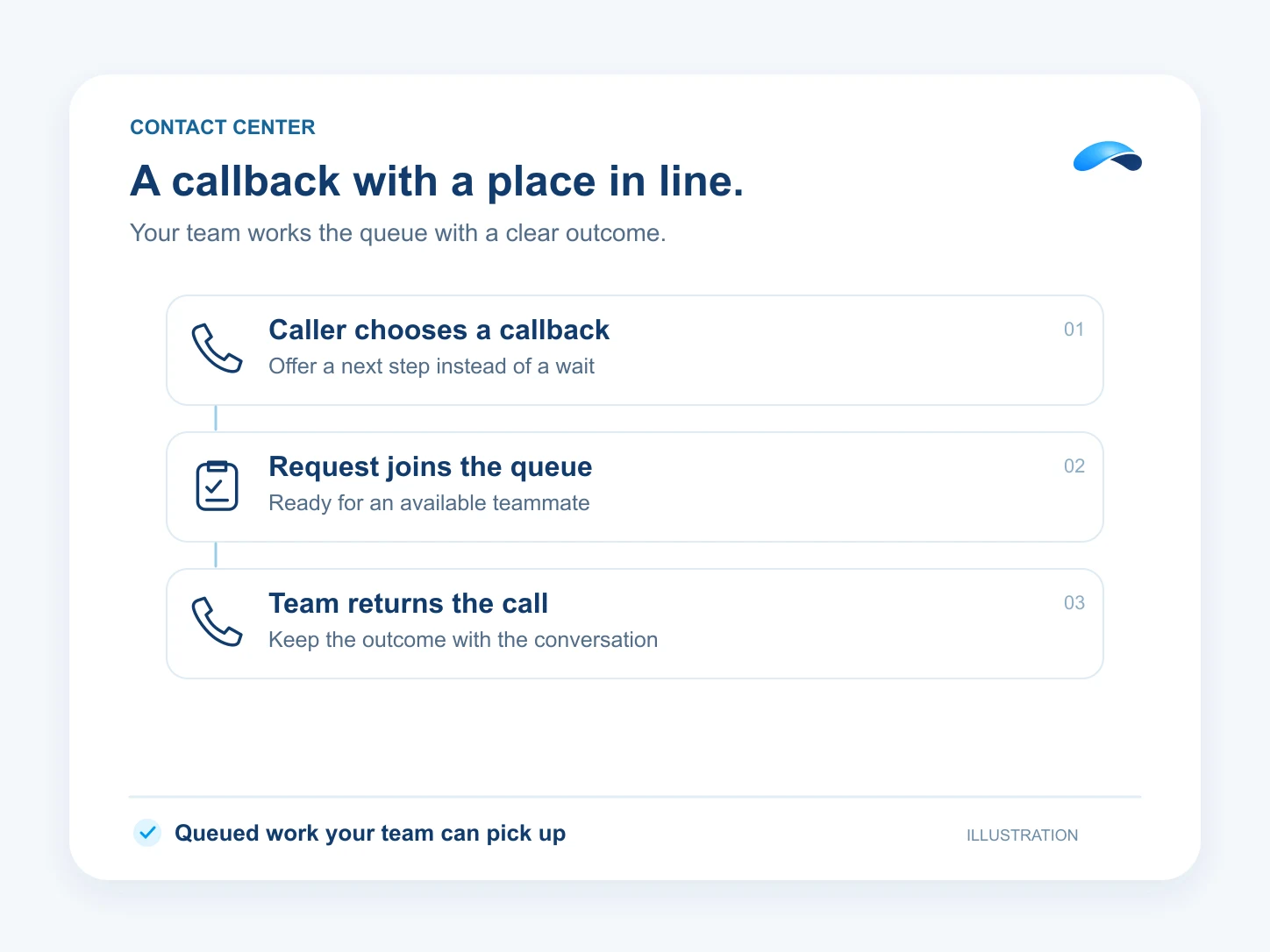
Offer a callback instead of a wait. Your team works the requests as queued calls with an outcome.
The problem
Sound familiar?
“Customers hang up after waiting. We find the abandoned calls at the end of the day.”
“Three agents call the same person while another callback sits untouched.”
What it does
The request stays on the work list.
Let a caller request a callback, or configure a queue to create one after an eligible abandoned call. The request becomes work your team can claim and call back.
Agents can complete, reschedule or requeue their callbacks. Supervisors can see the backlog and work across the queue. The return call depends on routing, available agents and calling capacity.
A callback request
Capture the caller’s return number.
A shared backlog
See requests waiting for the team.
An outcome for each
Complete, reschedule or requeue.
Setup
How it works in Canopy
4 steps, from setup to the work getting done.
Step 1: Route the number to a queue
In VoIP queues, set up the team. Use inbound rules to send the number’s calls to that queue.
Step 2: Choose how callbacks are created
Set the queue’s callback-on-abandon policy and minimum wait, or offer a caller-requested callback through the configured call flow.
Step 3: Work the callback list
Open the queue monitor’s Callbacks tab. Agents claim or answer offered work and call the customer back through the callback flow.
Step 4: Record what happened
Complete the callback after the call, or reschedule or requeue it when another attempt is needed.
Sample
Sample conversation, illustrative
A caller requests a return call, and the request waits for an agent.
The plans that carry this.
More for managers


Call the demo line, or try the chat.
Demo line coming soon.
Market Canopy
The AI platform for every conversation your business has.
Market Canopy is the AI-native platform for every conversation your business has. Canopy, your AI, answers customers, remembers conversations and gets the follow-up done across phone, texts, live chat, email, meetings and team chat. Built security-first, it keeps your business in control of what the AI does on its own.
453 S Spring ST, Suite 400, Los Angeles, CA 90017
Links
Features

