
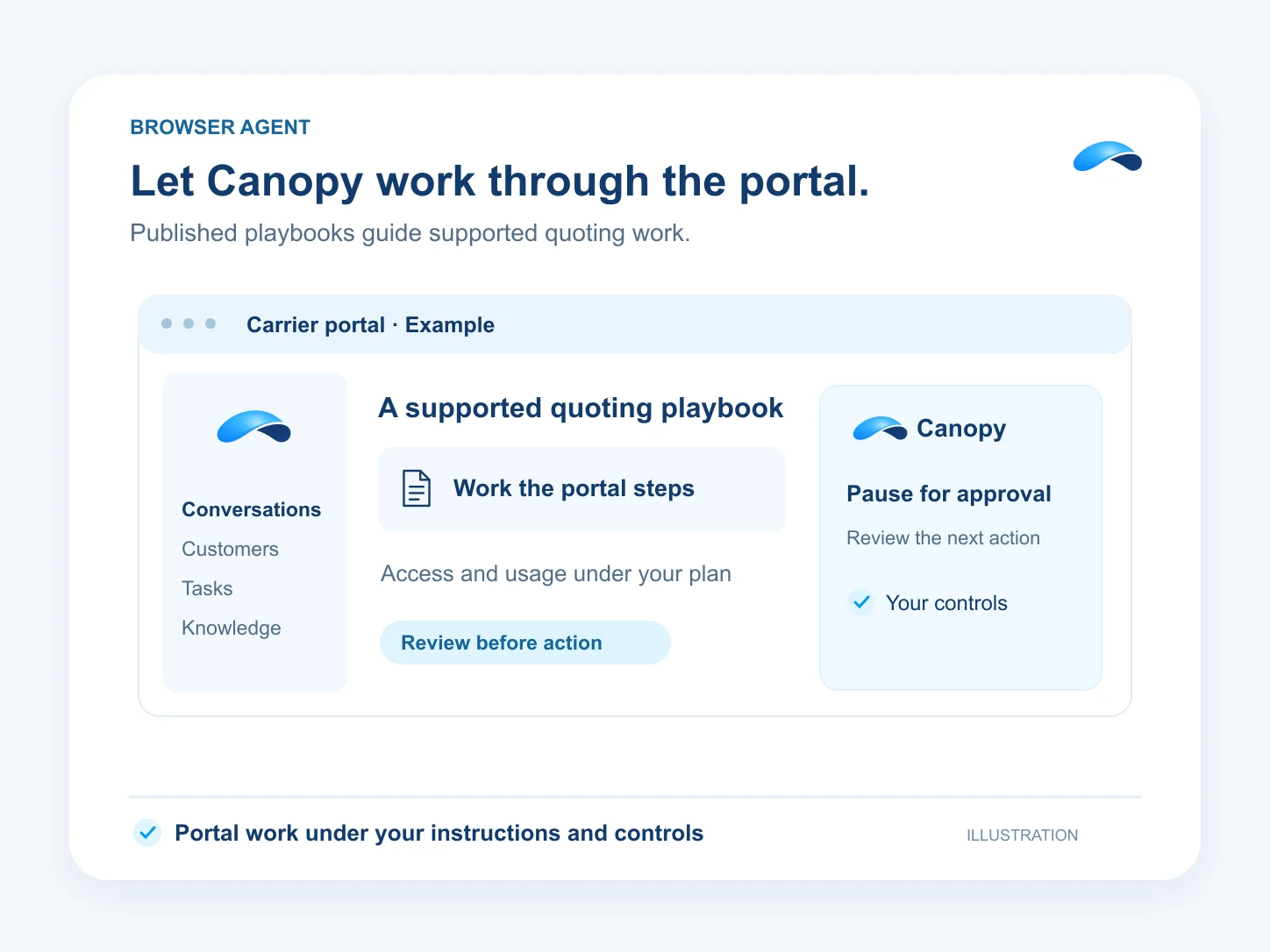
Let Canopy work through the portal.
Ask the browser agent to work a portal. Carrier quoting is a supported example with published playbooks.
The problem
Sound familiar?
“The customer record is ready. Entering it again in the carrier portal takes the time.”
“Some of our work has to happen in a browser.”
What it does
A browser task you can follow.
Give Canopy a browser task. With an available browser provider and your permission, it can launch a run, report progress and wait when it needs you. You can send more instructions or stop the run.
Carrier quoting is a supported example. Published playbooks describe each carrier operation, and your appointment determines access. That quoting flow also requires the Insurance product. Browser work uses the minutes your business funds.
Work in the browser
Launch a task through an available provider.
Carrier playbooks
Use the published procedure for the operation.
Stay involved
Send instructions or stop the run.
Setup
How it works in Canopy
4 steps, from setup to the work getting done.
Step 1: Make browser work available
Your business needs Browser Agent access, an available provider and permission for the person starting the run.
Step 2: Describe the portal task in Canopy
Tell Canopy the task and the result you need. It launches the browser run from your conversation.
Step 3: For carrier quoting, use the published playbook
Choose the carrier operation and applicable playbook. The quoting flow checks your carrier appointment and Insurance access.
Step 4: Follow the run and review the result
Read the progress, answer when the run needs you and review the returned result. You can send an instruction or stop the browser task.
Sample
Sample conversation, illustrative
An operator follows a carrier portal run and supplies a missing detail.
The plans that carry this.
More for managers


Call the demo line, or try the chat.
Demo line coming soon.
Market Canopy
The AI platform for every conversation your business has.
Market Canopy is the AI-native platform for every conversation your business has. Canopy, your AI, answers customers, remembers conversations and gets the follow-up done across phone, texts, live chat, email, meetings and team chat. Built security-first, it keeps your business in control of what the AI does on its own.
453 S Spring ST, Suite 400, Los Angeles, CA 90017
Links
Features

