
Help the agent while the call is happening.
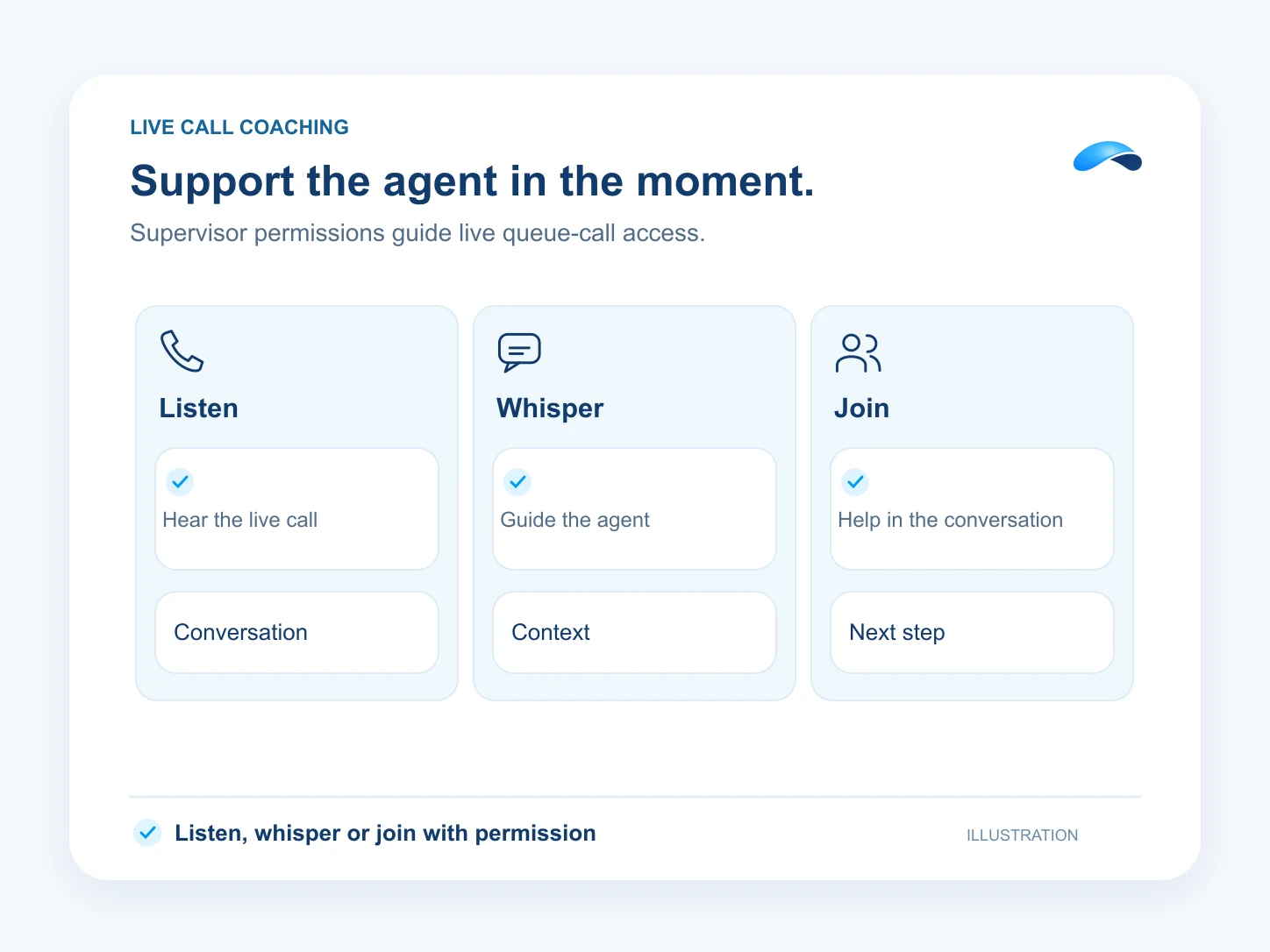
Supervisors can listen, whisper to the agent or join a live queue call.
The problem
Sound familiar?
“A new teammate needs help during the call, not in tomorrow’s review.”
“We can hear that a call is going wrong, but the agent is on their own.”
What it does
The right help at the right moment.
A supervisor can listen to a live queue call, whisper guidance to the agent or barge into the conversation. Each mode connects the supervisor’s own phone to the live call.
Use it with the supervisor permission, a contact-center seat and a reachable SIP device. Stop monitoring when your help is done.
Listen
Hear the live queue call.
Whisper
Guide the agent during the call.
Barge
Join the customer conversation.
Setup
How it works in Canopy
4 steps, from setup to the work getting done.
Step 1: Give the supervisor the right access
Assign the supervisor permission and the contact-center and SIP capabilities needed to monitor calls.
Step 2: Connect the supervisor’s phone
Register the supervisor’s SIP device so the monitoring call can reach them.
Step 3: Choose a live queue call
Open the queue monitor and select an active call. Monitoring needs a call that is currently connected to an agent.
Step 4: Listen, whisper or join
Start the monitoring mode you need, answer on your registered phone and stop monitoring when you are done.
Sample
Sample conversation, illustrative
A supervisor whispers guidance while the agent handles a customer call.
The plans that carry this.
More for managers


Call the demo line, or try the chat.
Demo line coming soon.
Market Canopy
The AI platform for every conversation your business has.
Market Canopy is the AI-native platform for every conversation your business has. Canopy, your AI, answers customers, remembers conversations and gets the follow-up done across phone, texts, live chat, email, meetings and team chat. Built security-first, it keeps your business in control of what the AI does on its own.
453 S Spring ST, Suite 400, Los Angeles, CA 90017
Links
Features

