
Launch a website without a web team.
Describe your business and Canopy builds the site. Preview it, then publish on a free address or your own domain. Carried by a Sites plan.
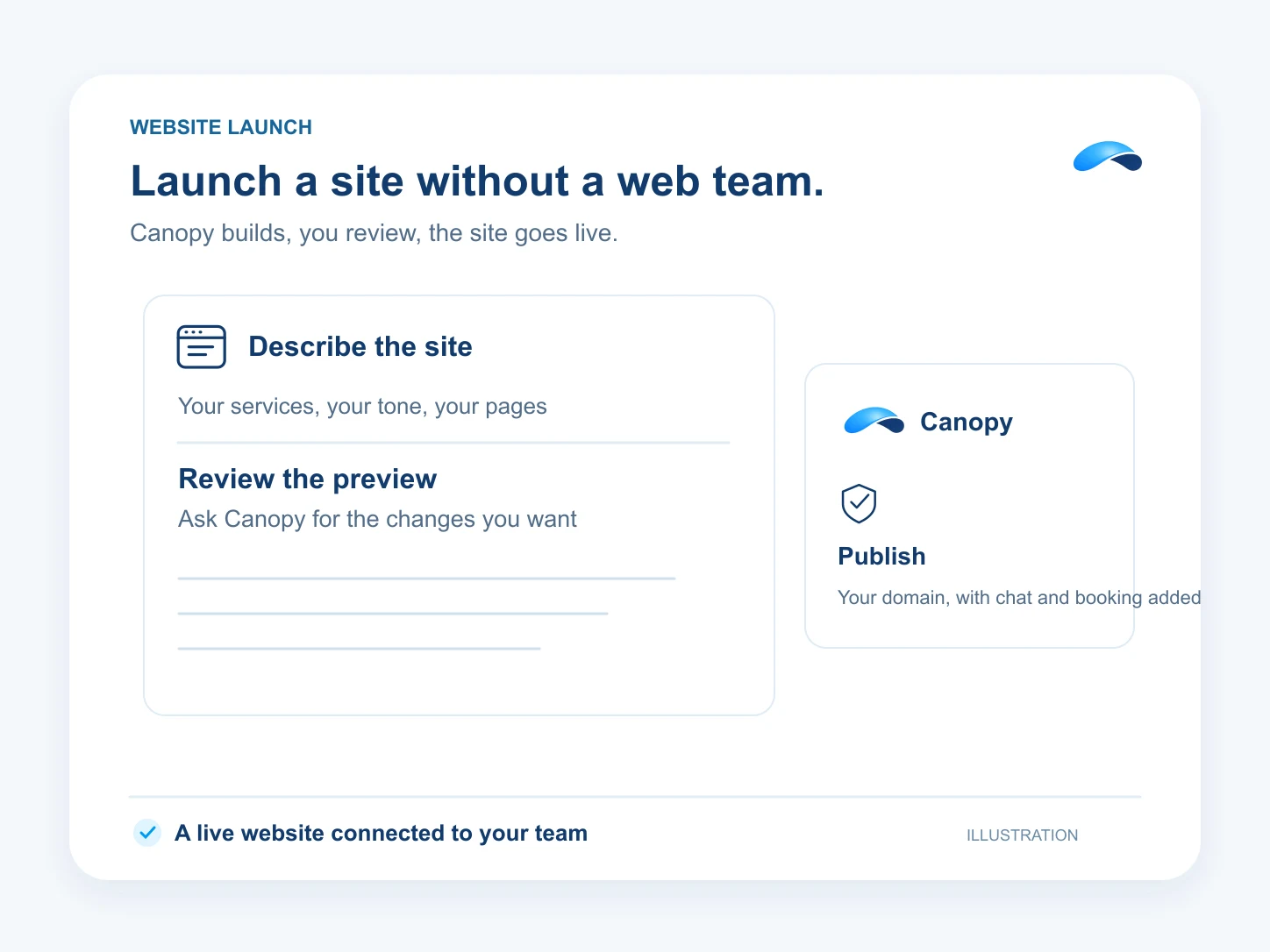
The problem
Sound familiar?
“We need a real website, and nobody here has time to build one.”
“Our old site is stuck with a vendor, and every change takes a week.”
What it does
From a description to a live site.
Tell Canopy what your business does and who it serves. It builds a draft of your site from a starter, and edits pages as you ask. You review a preview before anything is public.
Publish on a free temporary address, or connect your own domain on a paid plan. Already have a site? Import it from its live address, a GitHub repository, a zip file or FTP or SFTP, and take it with you any time as a zip file.
Built with Canopy
Describe the site and ask for changes in plain words.
Preview first
Review the site before it goes public.
Your own domain
Connect a custom domain on a paid plan.
Import or export
Bring a site over, or leave with a zip file.
Setup
How it works in Canopy
4 steps, from setup to the work getting done.
Step 1: Describe the site
Tell Canopy your services, your tone and the pages you want. It builds a draft for you to review.
Step 2: Review the preview
Open the preview, then ask Canopy for the changes you want. Nothing is public until you publish.
Step 3: Publish on an address you choose
Start on a free temporary address, or connect your own domain and follow the DNS records Canopy gives you. A plan shows what it allows, and Canopy names the plan that fits when a change would pass a limit.
Step 4: Connect it to your team
Add live chat, booking and your help center so visitors can reach you, and let the Marketing basics cover search for the site.
Sample
Sample conversation, illustrative
An owner asks Canopy for a site, then asks for one change before publishing.
More for marketing


Call the demo line, or try the chat.
Demo line coming soon.