
Answer every client call, even in tax season.
For accounting, bookkeeping and tax practices. Canopy takes messages when the lines are busy, books client meetings and sends the reminders you set. Your firm handles the advice.
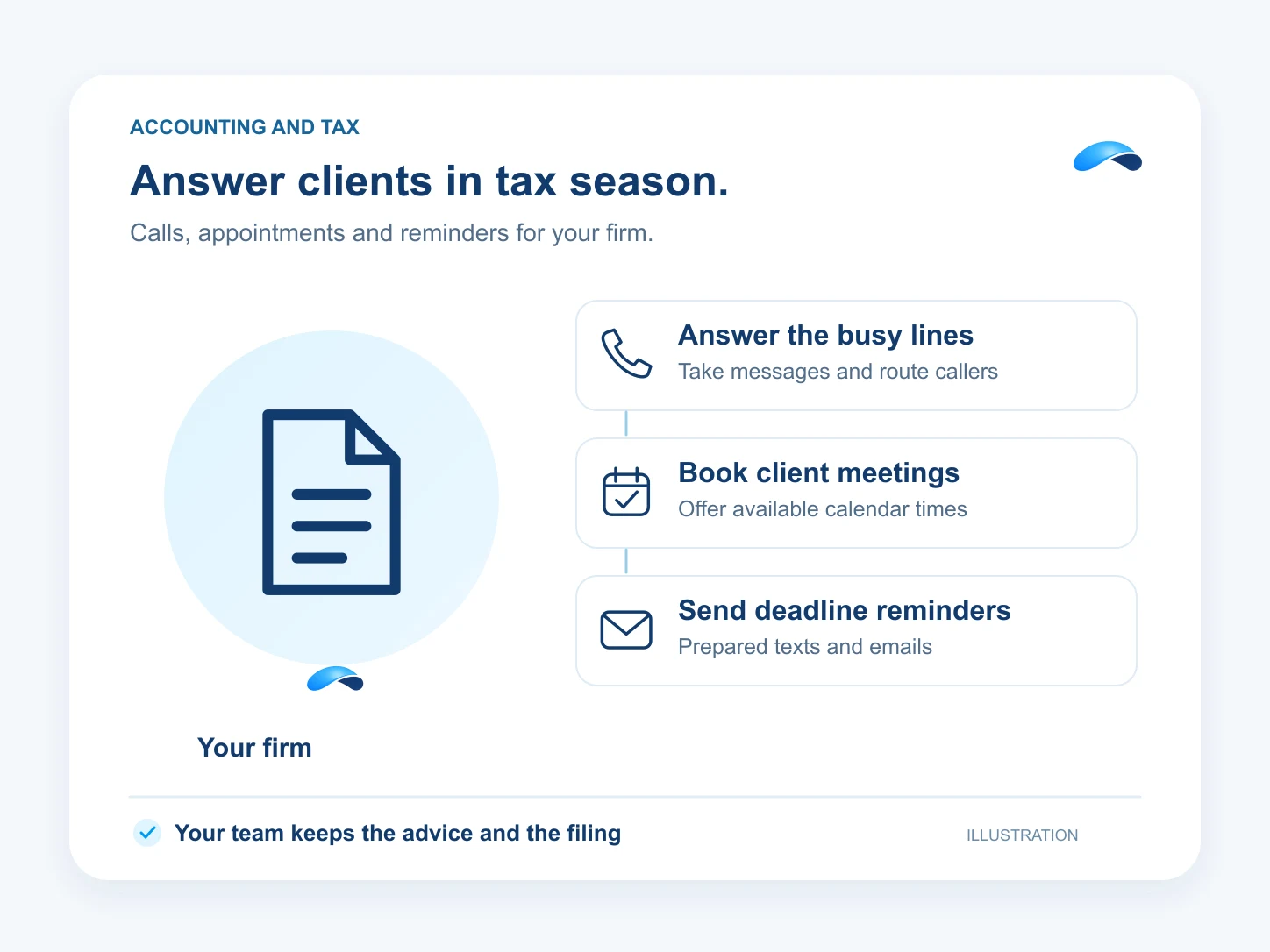
Your day
A day in your business.
The moments that need an answer, and how your team can handle them.
Step 1: Every line is busy the week before a deadline.
Canopy answers with your approved questions, takes a message and routes the caller to the destination you choose. Your firm handles the advice.
Step 2: A new client wants a consultation.
Offer available times from your connected calendar and book the chosen slot.
Step 3: Documents are due and clients forget.
A scheduled workflow sends your prepared reminder by text or email.
Step 4: A planning meeting ends with notes still to write.
With recording and transcription enabled in a Market Canopy meeting, review Canopy’s notes and assign action items as tasks. End-to-end encrypted mode excludes capture and notes.
What it does
What Canopy does for your team.
Give Canopy the intake questions and actions you approve. Keep the advice and the filing with your firm.
Canopy acts on its own where you allow it, asks where you want a say, and never touches what you rule out.
Take messages
Canopy asks your questions and routes callers to your destination.
After-hours calls
Follow your hours and escalation rules when the office is closed.
Book client meetings
Offer open times and book the client’s chosen slot.
Send deadline reminders
A scheduled workflow sends your prepared text or email.
Sample
A consultation request, illustrative
The receptionist takes a brief message and offers a time. The firm reviews the request before advising.
The plans that carry these jobs.
Each plan below carries some of these capabilities. Check its included features for the jobs you need. Agent, calendar and channel setup still apply.
- 5M Canopy tokens a month
- 30M Canopy tokens a month for AI replies to customers
- 100 AI resolutions
- 200 text messages (Canada and United States)
- See everything included
- 3M Canopy tokens a month
- 2M Canopy tokens a month for AI replies to customers
- 1,500 outgoing calling minutes (incoming unlimited)
- 100 text messages (Canada and United States)
- See everything included
- 45M Canopy tokens a month
- 30M Canopy tokens a month for AI replies to customers
- 100 AI resolutions
- 1,500 outgoing calling minutes (incoming unlimited)
- See everything included
- 75M Canopy tokens a month
- 6 runner time (Canopy Cloud)
- 5 browser-hours (Hosted browser)
- See everything included
Explore the jobs and their setup.


Questions from your team.
No. A receptionist takes a structured message using questions your firm approves, then routes the caller or books a consultation. Your firm handles advice.
Yes. Set up a scheduled workflow with your prepared reminder, sent by text or email. Text messaging availability follows your plan.
Market Canopy meetings with host-enabled recording and transcription can produce captures and Canopy notes. End-to-end encrypted mode excludes recording, transcription and notes.
You do. Canopy follows the questions, routing and instructions you set, and acts within the permissions you grant. Anything beyond a message or a booking stays with your firm.
Call the demo line, or try the chat.
Demo line coming soon.