
Sites
Describe your website. Canopy builds it and hosts it.
Build a website with Canopy, preview it, and publish it on a free temporary address or your own domain. Bring your current site over, keep the search basics covered, and connect it to your chat, booking and help center.
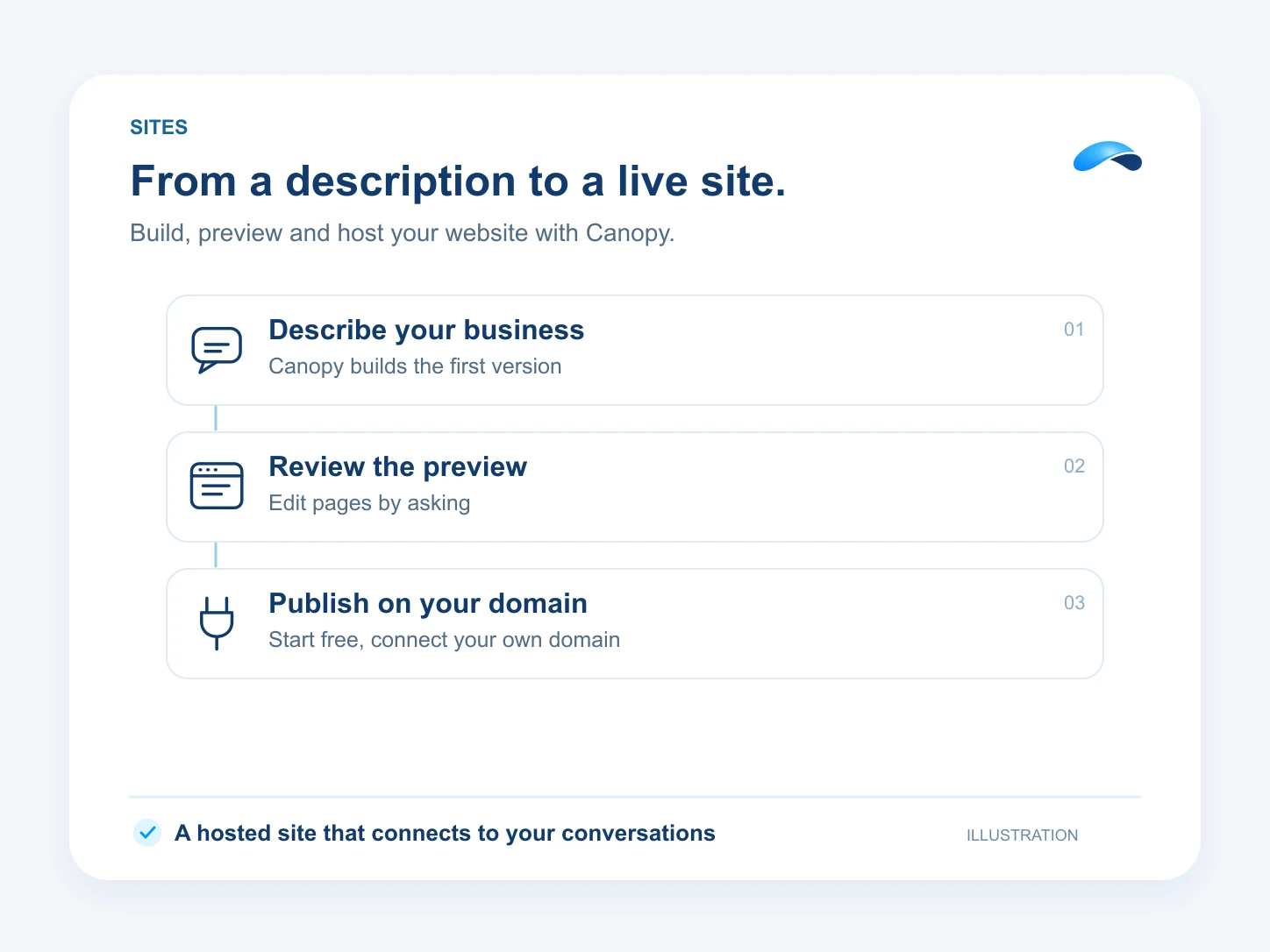
Describe it. Canopy builds it.
- Tell Canopy about your business and it builds a site from a starter, then edits pages as you ask.
- Review a preview before anything is public, and publish when you are ready.
- Add live chat, booking and your help center to your pages so visitors can reach your team.
Launch on your own domain
- Start on a free temporary address, then connect your own domain, including an apex domain, with SSL handled for you.
- Each site has its own plan, so one busy site never forces an upgrade on the others.
- Paid plans remove the Made with Market Canopy badge.
Bring your current site, or take it with you
- Import an existing site from its live address, a GitHub repository, a zip file or FTP or SFTP.
- Export a site as a zip file, or sync it with GitHub.
- Your site’s theme is written down as a DESIGN.md file, so the look stays consistent when you change it.
Be found
- Marketing agents cover the search basics for a hosted site, and renaming a page keeps its old address working with a redirect.
- Pro and Business plans add Google verification and sitemap submission.
- Track search rankings, traffic and visibility in AI answers from the Marketing workspace.
Stay in control
- Every plan shows what it allows: published pages, custom domains, bandwidth, storage and version history.
- Canopy tells you which plan fits when a change would pass a limit, before it is published.
- Sites are checked for abuse before they go public, which protects your visitors and your brand.
One plan for each site.
Sites Free
Free
One site on a temporary address with a small Made with Market Canopy badge: 5 published pages, 2 GB of bandwidth a month and 500 MB of storage.
Sites Starter
$12 a site a month
A site on your own domain with no badge: 30 published pages, 25 GB of bandwidth a month, 5 GB of storage and the SEO agents.
Sites Pro
$29 a site a month
A site on up to 3 domains: 150 published pages, 100 GB of bandwidth a month, 25 GB of storage, a password-protected preview address and Search Console submission.
Sites Business
$79 a site a month
A site on up to 10 domains: 1,000 published pages, 500 GB of bandwidth a month, 100 GB of storage, 3 preview addresses and a year of history.
See how it works.
Website Visitor to Booked Call
Canopy asks your qualifying questions in live chat and offers a real calendar slot.
Blog on Autopilot
Canopy drafts and checks blog posts, then publishes or schedules them under your controls. Carried by Blog or Marketing.
Launch a Website
Describe your business and Canopy builds the site. Preview it, then publish on a free address or your own domain. Carried by a Sites plan.
Questions about Sites.
Each site is priced on its own plan, monthly or annually. The Sites pricing page lists every plan, its price and what it allows, straight from our catalog.
Yes. A free site lives on a temporary address with a small Market Canopy badge, so you can see what Canopy builds before you pay. Paid plans add your own domain and remove the badge.
Yes, on any paid plan. Connect a custom domain or an apex domain and Canopy takes you through the DNS records. Higher plans allow more domains for one site.
Yes. Import from the live address, a GitHub repository, a zip file or FTP or SFTP. A site imported from a domain you have not verified is held for review before its first publish.
Yes. Export a site as a zip file, or sync it with a GitHub repository.
Yes. A paid site includes the Marketing basics for that site, and the Blog and Marketing add-ons raise the allowances for content, rankings and AI visibility.