
Run many clients without mixing them up.
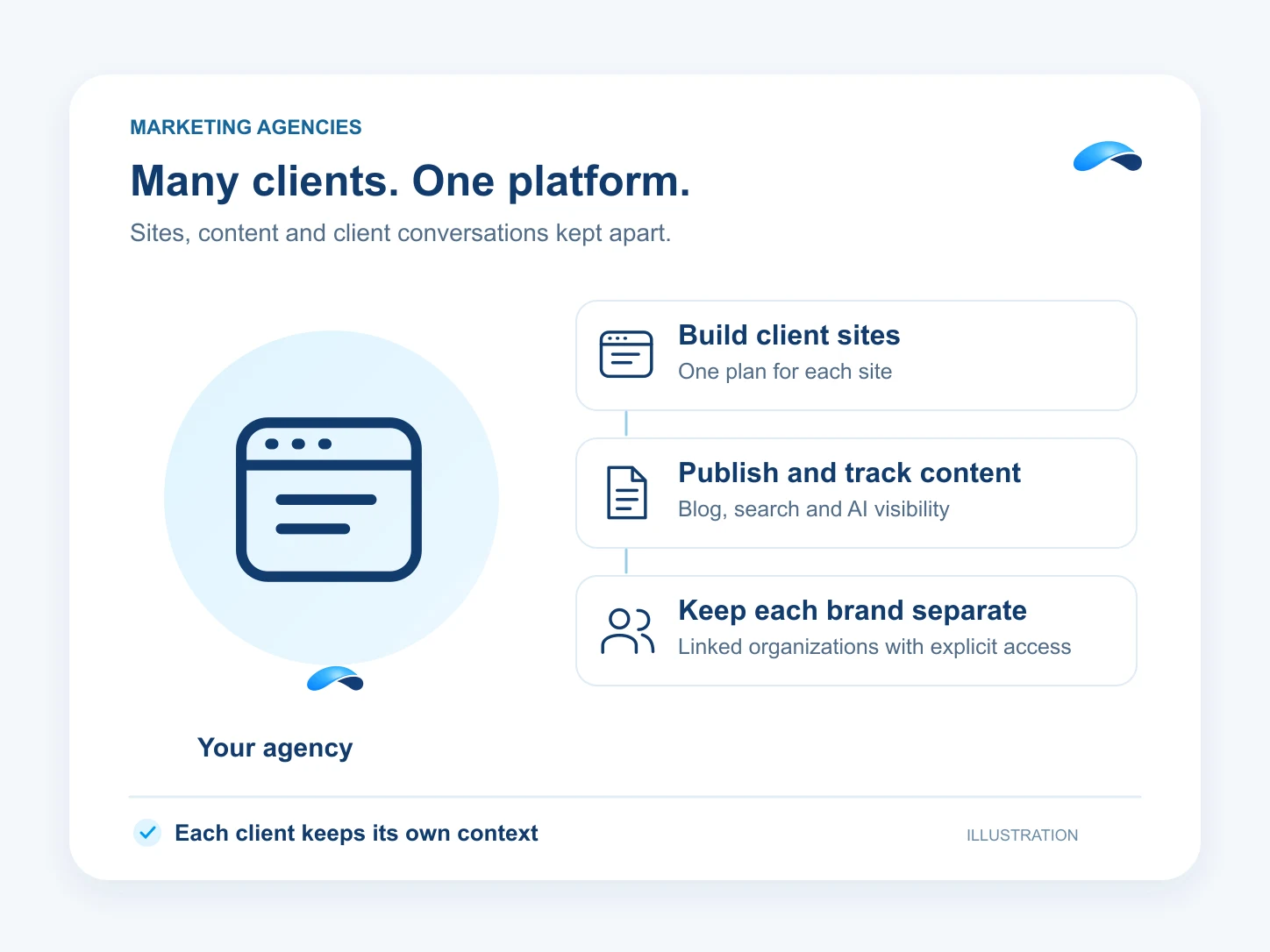
For marketing, web and SEO agencies. Build and host client sites, publish content, track search and AI visibility, and keep each client in its own organization.
Your day
A day in your business.
The moments that need an answer, and how your team can handle them.
Step 1: A new client needs a website by the end of the month.
Describe the business to Canopy, review the preview and publish on the client’s domain. Each site has its own plan, so one client’s site never changes another’s.
Step 2: A client arrives with a site on another host.
Import it from its live address, a GitHub repository, a zip file or FTP or SFTP, and export it as a zip file whenever the client wants it back.
Step 3: Every client wants content on a schedule.
Ask Canopy to draft posts, check their search fields and schedule them under your review rules, for the hosted blog or a connected WordPress site.
Step 4: Your team works across a dozen clients.
Linked organizations let authorized teammates switch between clients while each organization keeps its own access, conversations and billing links.
What it does
What Canopy does for your team.
Set each client’s review rules and permissions. Canopy works within them and keeps each client’s context apart.
Canopy acts on its own where you allow it, asks where you want a say, and never touches what you rule out.
Client sites
Build, preview and host a site per client, each on its own plan.
Import and export
Bring a client’s site over, or hand it back as a zip file.
Content under review
Draft, check and schedule posts under the rules you set.
Search and AI visibility
Track rankings, traffic and mentions in monitored AI answers.
Separate clients
Linked organizations keep each client’s access and records apart.
Sample
A client site request, illustrative
An account manager asks Canopy for a draft of a client site.
The plans that carry these jobs.
Each plan below carries some of these capabilities. Check its included features for the jobs you need. Agent, calendar and channel setup still apply.
- 45M Canopy tokens a month
- 30M Canopy tokens a month for AI replies to customers
- 100 AI resolutions
- 1,500 outgoing calling minutes (incoming unlimited)
- See everything included
Explore the jobs and their setup.


Questions from your team.
Each site is on its own plan. The Sites pricing page lists every plan and what it allows, from our catalog.
Yes. Import from the live address, a GitHub repository, a zip file or FTP or SFTP. A site imported from a domain you have not verified is held for review before its first publish.
No. Canopy tracks search and AI visibility and helps you plan and publish content. Results depend on search engines and AI answers you do not control.
Linked organizations support switching between clients when each user has explicit membership and the required permissions. Brand links do not grant unrestricted access to another organization’s records.
Call the demo line, or try the chat.
Demo line coming soon.